
SAMSUNG QB43R
5.0Editor score
4K UHD resolution
Built-in media player
3-Year warranty
Modern conference rooms demand displays that support seamless collaboration and clear communication. A high-quality monitor ensures every participant sees content clearly, reducing distractions and boosting meeting productivity across the team.
We evaluated ten leading models based on resolution, connectivity options, and commercial-grade reliability. Our analysis focuses on real-world business requirements including mounting flexibility and software compatibility for hybrid work setups.
Each pick highlights unique strengths for different office sizes and budgets. Please note that product prices fluctuate frequently, so verify current costs before purchasing to ensure you secure the best available deal today.
5.0Editor score

4.5Editor score

4.7Editor score
As an Amazon Associate we earn from qualifying purchases.
The following table provides a side-by-side comparison of all ten monitors to help you quickly identify the model that best fits your specific conference room requirements and technical needs.


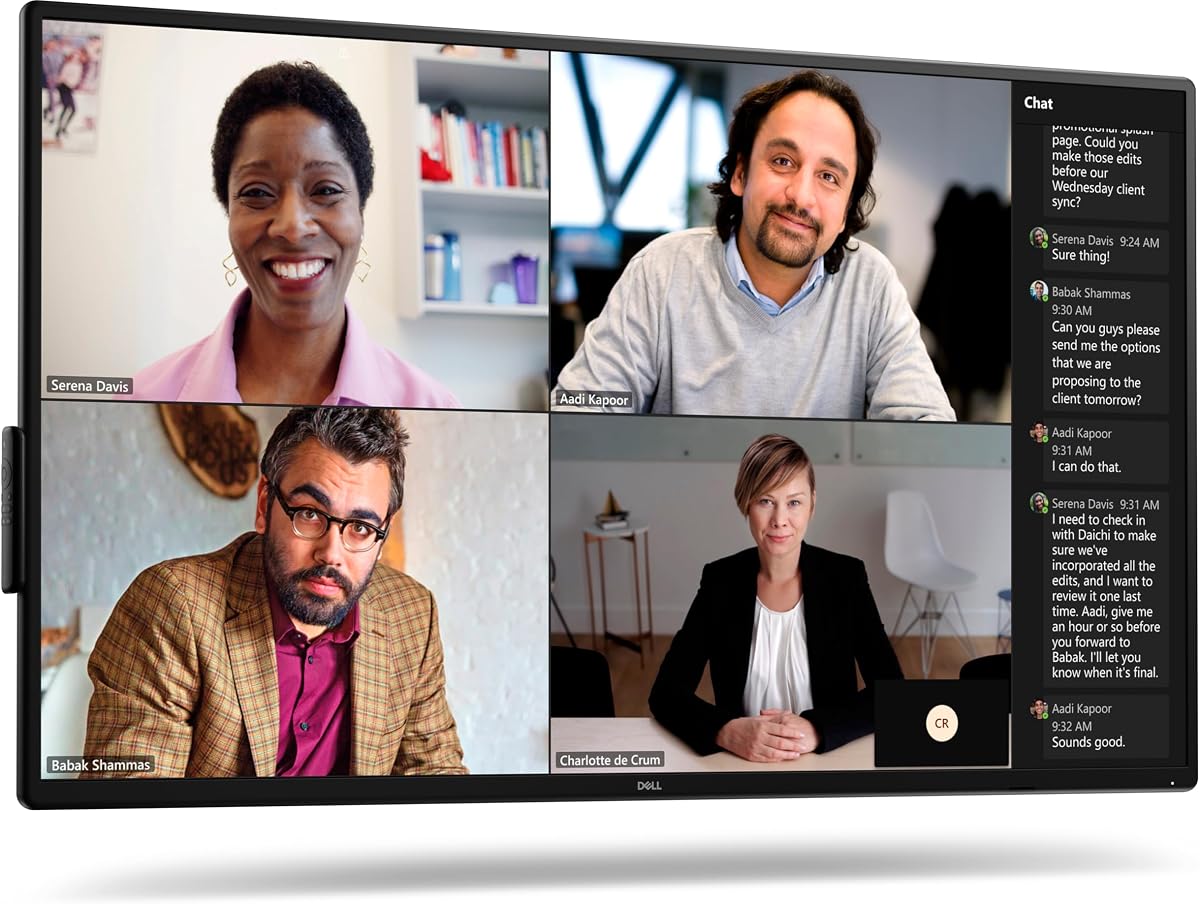


The Dell P5524Q is a top-tier 55-inch monitor designed specifically for professional conference environments. It offers crisp 4K visuals and features built-in speakers to simplify setup without extra hardware costs.
We may earn a commission when you buy through this link, at no additional cost to you.
Its anti-glare coating ensures clarity even in brightly lit meeting rooms. The wide viewing angle allows participants seated far to the sides to see presentations clearly without color shifting.
Security lock and cable lock slots provide physical protection for valuable equipment. While it lacks advanced smart OS features found in signage displays, its reliability and performance are unmatched for core meetings.
This model is ideal for businesses prioritizing image quality and security. We recommend it for executive boardrooms where clear communication and asset protection are critical daily requirements.
The 4K resolution delivers sharp text and graphics essential for data-heavy presentations.
Physical lock slots deter theft and ensure cables remain secure during long meetings.
We may earn a commission when you buy through this link, at no additional cost to you.
The Samsung QB65R is a massive 65-inch display tailored for large conference rooms and commercial spaces. Its 4K UHD quality ensures every detail is visible, making it perfect for detailed strategy sessions.
We may earn a commission when you buy through this link, at no additional cost to you.
Built-in Wi-Fi and Bluetooth enable easy content sharing from mobile devices. The System-on-chip technology removes the need for external PCs, simplifying the room setup significantly.
While the price is higher, the all-in-one digital signage capabilities add long-term value. The slim design allows for clean mounting, keeping the focus on content rather than hardware.
Ideal for large enterprises needing versatile displays for both meetings and announcements. It balances premium performance with smart features that enhance collaboration efficiency.
Wireless control and content sharing streamline meetings without needing extra dongles.
Crystal Color technology ensures vibrant and accurate colors for any presentation.
We may earn a commission when you buy through this link, at no additional cost to you.
The Samsung QB43R is a compact yet powerful 43-inch monitor perfect for smaller meeting rooms. It brings professional-grade 4K visuals to budget-conscious businesses without sacrificing essential features.
We may earn a commission when you buy through this link, at no additional cost to you.
Its 3-year commercial warranty provides peace of mind for long-term usage. The built-in media player and Wi-Fi allow for seamless presentation sharing without complex wiring.
While the screen size is limited to 43 inches, the slim bezel design maximizes viewing space. It is a reliable choice for teams needing cost-effective yet high-quality visual solutions.
Best for small offices and breakrooms. The balance of price and performance makes it a top contender for budget-friendly conference setups.
Delivers commercial durability and 4K clarity at a fraction of enterprise costs.
The 3-year warranty ensures your investment is protected against common failures.
We may earn a commission when you buy through this link, at no additional cost to you.
The LG UL3G bundle offers a complete package for setting up a modern meeting room quickly. The included surge protector and cables reduce initial costs and simplify installation immediately.
We may earn a commission when you buy through this link, at no additional cost to you.
Its IPS panel ensures consistent colors from any angle, crucial for diverse meeting seating. The webOS interface provides a familiar experience similar to consumer TVs but optimized for business use.
Crestron Connected certification means it integrates smoothly with professional control systems. While brightness is moderate, it performs well in controlled indoor lighting conditions.
Recommended for teams needing quick setup and reliable color fidelity. The comprehensive accessory kit makes it a practical and efficient choice for new installations.
Bundled cables and protectors save time and money during initial deployment phases.
IPS technology ensures accurate color representation for design and data visuals.
We may earn a commission when you buy through this link, at no additional cost to you.
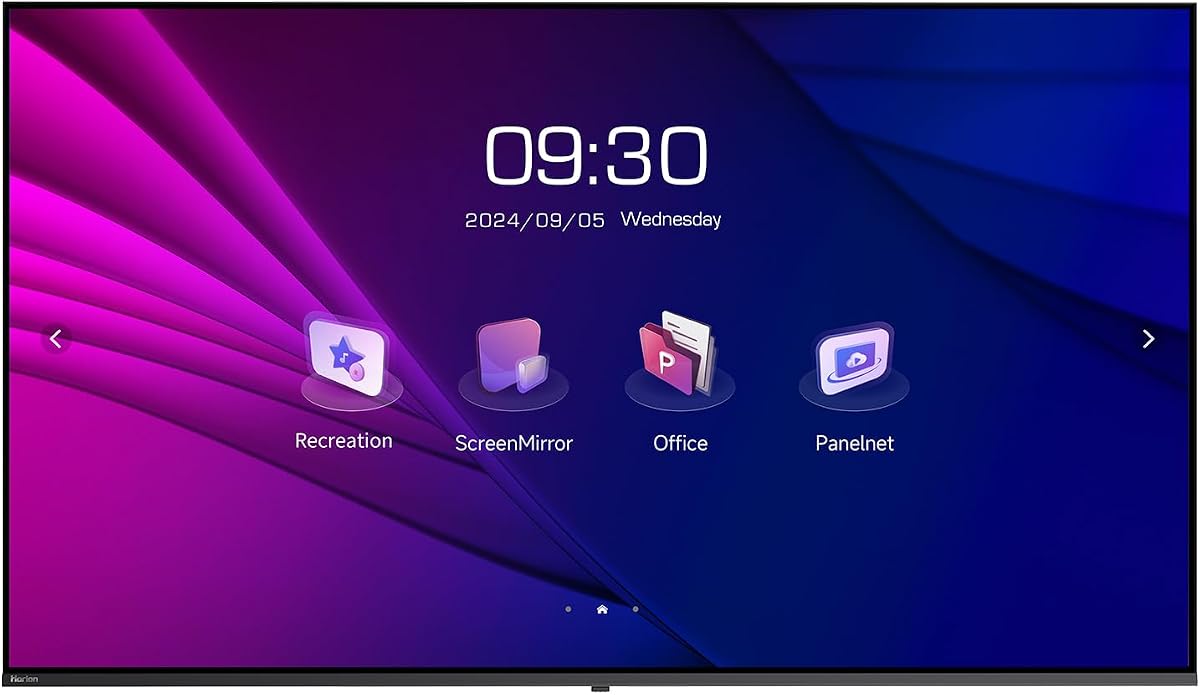
The HORION 75-inch display is built for large auditoriums or spacious boardrooms. Its massive screen ensures that everyone in the room can see content clearly without straining.
We may earn a commission when you buy through this link, at no additional cost to you.
Features like agenda timers and wireless casting tools streamline presentations effectively. The dual WiFi system ensures stable connections even in congested network environments.
TÜV certification for low blue light helps reduce eye strain during long meetings. While the brand is less known than giants like Samsung, its feature set rivals top-tier models.
Ideal for large venues needing robust presentation tools. The size and feature combination make it a strong option for expansive conference needs.
Built-in agendas and voting tools facilitate interactive meetings without extra software.
Dual WiFi modules separate hotspot traffic from internet traffic for better performance.
We may earn a commission when you buy through this link, at no additional cost to you.
The Dell P5525QC features robust connectivity options including USB-C for modern laptops. This makes it easy to connect devices without needing multiple dongles or adapters.
We may earn a commission when you buy through this link, at no additional cost to you.
Its 4K resolution provides sharp visuals for text-heavy presentations and spreadsheets. The IPS panel ensures comfortable viewing from various angles within the meeting room.
While the interface is straightforward, it prioritizes reliability and image performance over smart apps. It is a solid choice for enterprises already invested in the Dell ecosystem.
Best for teams using laptops with USB-C ports. The connectivity flexibility enhances workflow efficiency during critical business meetings.
USB-C support simplifies device connection and power delivery for attendees.
4K resolution ensures that text and fine details remain readable.
We may earn a commission when you buy through this link, at no additional cost to you.
The Philips 34E1C is ideal for huddle rooms or personal workspaces. Its built-in webcam and microphone eliminate the need for extra peripherals during calls.
We may earn a commission when you buy through this link, at no additional cost to you.
The curved screen creates a more immersive experience for single-user tasks. USB-C docking allows for a clean desk setup with a single cable connection.
While the screen is smaller than commercial displays, it is perfect for focused work. The 4-year warranty provides strong support for business hardware longevity.
Recommended for personal desks or very small huddle rooms. It combines productivity features with essential conferencing tools effectively.
Windows Hello webcam and noise-canceling mic simplify video calls instantly.
Curved display design reduces eye strain during long working sessions.
We may earn a commission when you buy through this link, at no additional cost to you.
The Sony FW75BZ30L is a premium commercial monitor known for exceptional picture quality. Its VA LCD panel offers deep contrast levels perfect for cinematic presentations.
We may earn a commission when you buy through this link, at no additional cost to you.
Flexible orientation supports both portrait and landscape modes for different content types. The HDR capability ensures dynamic visuals that look stunning even on standard content.
While it comes at a high price, the quality matches high-end consumer and pro-sumer standards. It is ideal for environments where visual fidelity is the top priority.
Best for creative studios or executive suites. The reliability and performance justify the investment for demanding professional environments.
VA technology delivers deep blacks and rich colors for impactful presentations.
Portrait and landscape modes support varied content layouts easily.
We may earn a commission when you buy through this link, at no additional cost to you.
The Samsung QE50T is designed for high-traffic areas that run constantly. Its 16/7 operation capability ensures it won't fail even when left on for long hours.
We may earn a commission when you buy through this link, at no additional cost to you.
The IP5X dust-proof rating protects internal components from debris common in busy offices. A non-glare panel ensures visibility without reflections from windows or lights.
While brightness is standard, durability is the focus here. It is a practical choice for lobbies or shared conference rooms needing robust performance.
Recommended for facilities needing constant uptime. The reliability features make it ideal for heavy-use environments.
Designed to run 16 hours a day, 7 days a week without overheating.
Dust-proof design extends the life of the device in active spaces.
We may earn a commission when you buy through this link, at no additional cost to you.
The Logitech MeetUp is a complete conferencing system designed for small to medium rooms. It combines a 4K camera and three microphones into one simple unit.
We may earn a commission when you buy through this link, at no additional cost to you.
Its motorized pan and tilt features allow the camera to follow speakers automatically. This enhances remote participant experience by keeping the focus on the speaker.
While it requires a separate display for video content, it simplifies the meeting logic significantly. The plug-and-play setup reduces IT overhead for small businesses.
Best for huddle rooms needing high-quality video calls. It complements standard monitors to create a complete video conferencing setup.
4K sensor captures high-resolution video for professional remote meetings.
USB connection allows for immediate use without complex driver installation.
We may earn a commission when you buy through this link, at no additional cost to you.
Selecting the right conference room monitor involves evaluating technical specs against your specific room needs. Here are the key factors to consider for the best decision.
Screen size depends on room dimensions and audience count. For small huddle rooms, 43 to 55 inches works well. Larger spaces require 65 inches or more. Always opt for 4K resolution to ensure text remains sharp even when zoomed in.
Choose a size that fills the field of view without causing neck strain for attendees.
IPS panels offer better color consistency across wide angles, which is crucial for meeting rooms where seating varies. VA panels provide deeper blacks but narrow viewing angles. For most conferences, IPS is preferred for color uniformity.
Prioritize IPS panels if participants sit around a large table.
Modern setups need HDMI and USB-C ports. USB-C supports both video and power delivery, simplifying cable management. Ensure your monitors have enough inputs for all common devices in your office.
Check that your monitor supports the latest ports for future-proofing.
Some monitors include built-in operating systems and apps. This reduces the need for extra computers in the room. However, dedicated PCs often offer more reliability and security. Assess your workflow needs before choosing smart features.
If you already have reliable PCs, a standard monitor may suffice.
Commercial monitors usually come with 3-year warranties compared to consumer ones. This coverage is vital for minimizing downtime in a business setting. Always verify warranty terms before purchasing to avoid hidden costs.
Select monitors with a commercial warranty for peace of mind.
Conference rooms often have windows or overhead lights. An anti-glare coating prevents reflections that can make screens hard to read. This feature is often overlooked but critical for visibility.
Opt for anti-glare if your room has significant light sources.
Check VESA mounting compatibility to ensure you can install the monitor securely on walls or stands. Some commercial units support both landscape and portrait orientations for diverse use cases.
Ensure your chosen model fits your existing wall mount or stand.
If you use platforms like Zoom or Teams, check if the monitor or associated camera supports these systems. Hardware integration can streamline meeting access and reduce technical friction.
Verify software compatibility with your preferred conferencing tools.
To maximize lifespan, avoid leaving static images on screen for too long to prevent burn-in. Adjust brightness levels to match room lighting to reduce eye strain.
Clean the screen regularly with a soft microfiber cloth and approved screen cleaner. Never use household sprays directly on the panel to avoid liquid damage.
Keep cables organized using ties to prevent tripping hazards and port wear. Regularly update firmware if your monitor supports smart features for security.
For small rooms or huddle spaces, a 43 to 55-inch monitor is ideal. It balances visibility without dominating the space. Ensure it fits your table width for comfortable viewing.
Yes, 4K resolution is recommended as it provides sharper text and graphics. Even for standard presentations, it future-proofs your setup against high-quality content needs.
While possible, TVs often lack commercial durability and anti-glare coatings. Dedicated monitors are built for 24/7 operation and better viewing angles, making them a safer investment.
Look for HDMI for universal connectivity and USB-C for modern laptops. USB-C simplifies setup by carrying video, data, and power in one cable.
Smart monitors reduce the need for external PCs if you use simple apps. However, if your IT team manages a secure PC setup, traditional monitors offer better control and security.
Use screensavers and avoid displaying static logos for long periods. Most commercial monitors have built-in protection features that help mitigate burn-in risks effectively.
Commercial monitors typically come with a 3-year warranty. This covers defects and ensures support is available when you need it for business continuity.
Many commercial models support remote management via cloud tools. This allows IT teams to update settings and monitor health without visiting the physical room.
Choosing the right monitor depends on balancing size, resolution, and commercial durability. The Samsung QB43R and Dell P5524Q offer excellent starting points for different budgets.
Prioritize IPS panels and anti-glare coatings to ensure clear visibility for all attendees. Smart features can simplify setup but are not strictly necessary for all workflows.
Verify current pricing and availability before finalizing your purchase. A well-chosen monitor can significantly improve meeting efficiency and team collaboration over time.