
Seagate 8TB BarraCuda Internal Hard Drive
4.7Editor score
High capacity at low cost
Reliable general-purpose storage
Fast sustained transfer rates
Choosing the right hard drive for your Jellyfin server is crucial for smooth media streaming. You need reliable storage that handles multiple users and large files without lag or data loss during playback.
We compared ten top-rated internal and external drives based on capacity, speed, and endurance. Each model was evaluated for its ability to support continuous read operations required by media server applications effectively.
This list shows the best options for different needs and budgets. Remember that availability and stock levels change frequently, so check the current listings before making your final purchase decision today.
4.7Editor score

4.5Editor score

4.6Editor score
As an Amazon Associate we earn from qualifying purchases.
This side-by-side comparison highlights the key specifications of every drive on our list to help you find the perfect fit for your media server needs.




This drive is the Editor's Choice for Jellyfin because it is built for 24/7 operation. Its design ensures that multiple users can stream media simultaneously without interruption or lag.
We may earn a commission when you buy through this link, at no additional cost to you.
IronWolf drives are purpose-built for network attached storage systems. They include advanced health monitoring features that alert you to potential issues before they cause data loss or downtime.
While the rotational speed is lower than some desktop options, this trade-off improves durability and reduces heat generation. The included Rescue Data Recovery Services provides valuable peace of mind for your media library.
Home users and small offices should choose this drive for a balance of performance and reliability. It is the most recommended option for anyone serious about running a stable Jellyfin server.
Unlike standard drives, this model handles continuous read operations typical of media servers without degrading over time.
Use the built-in management system to track drive health and get early warnings about potential failures.
We may earn a commission when you buy through this link, at no additional cost to you.
For those seeking high capacity without a high cost, this BarraCuda drive is an excellent choice. It offers plenty of space for large video libraries at a very competitive price.
We may earn a commission when you buy through this link, at no additional cost to you.
The drive delivers sustained transfer rates that support smooth playback of high definition content. Its performance is well suited for single user or light multi-user Jellyfin setups.
While not specifically designed for RAID or 24/7 environments, its track record suggests it can handle typical home server loads. Ensure you have adequate cooling if using it in a multi-drive setup.
Budget-conscious users will appreciate the value of this drive. It provides the storage you need to grow your library without breaking the bank or compromising performance.
Get eight terabytes of storage for less than most specialized NAS drives while maintaining good read performance.
Achieve sustained transfer rates that keep up with 4K streaming and large file operations effectively.
We may earn a commission when you buy through this link, at no additional cost to you.
This drive stands out for its massive capacity and high performance. It is ideal for power users who need to store a vast library of media in a single drive.
We may earn a commission when you buy through this link, at no additional cost to you.
With a 7200 RPM speed and large cache, this drive delivers fast access times for metadata and files. It handles heavy workloads well, making it suitable for active servers.
The inclusion of Acronis cloning software simplifies migration from older drives. Just ensure your system provides enough power and airflow to keep the drive running cool.
Premium users who prioritize speed and capacity should consider this drive. It offers top-tier performance for a server that handles frequent writes and multiple simultaneous streams.
Store thousands of hours of high-definition video with twelve terabytes of space available for your library.
The 7200 RPM spindle speed and large cache improve file access speeds and overall responsiveness.
We may earn a commission when you buy through this link, at no additional cost to you.
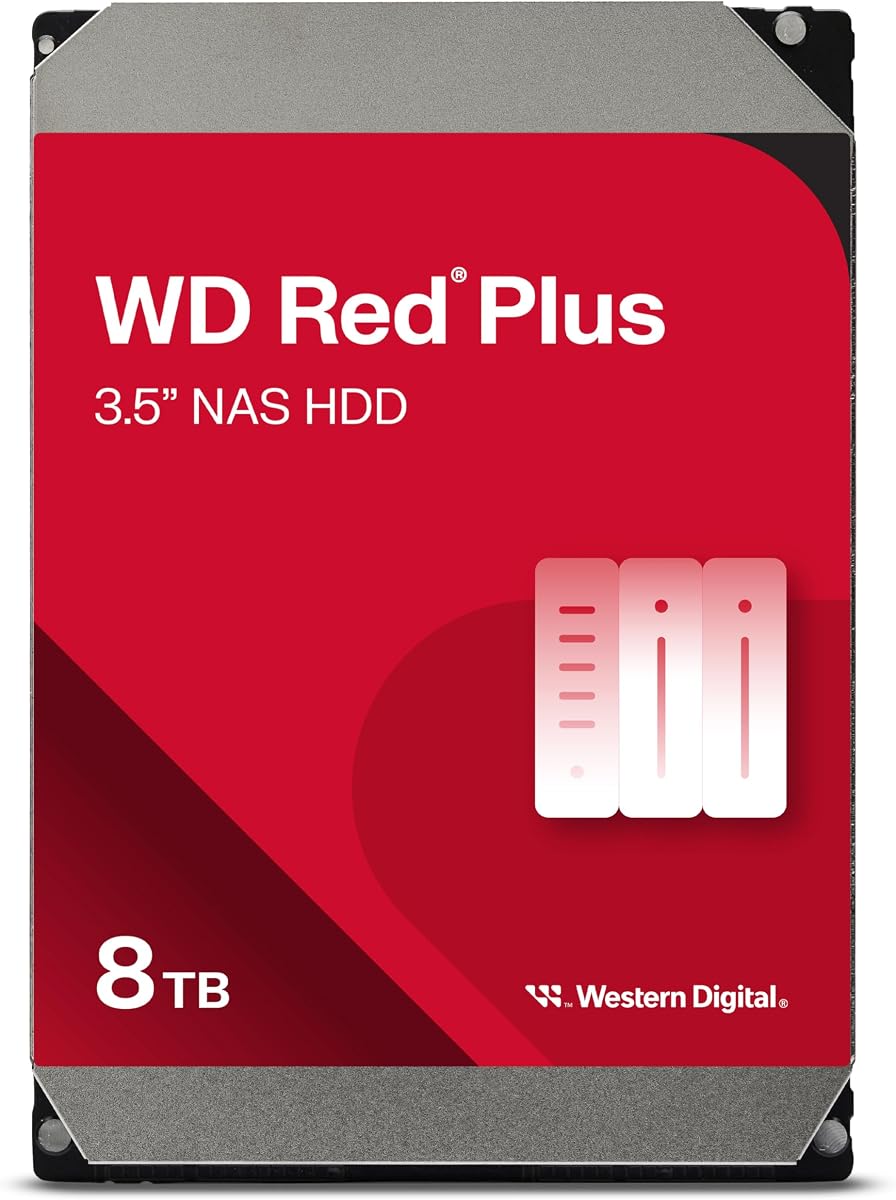
WD Red Plus drives use CMR technology which is essential for RAID arrays and consistent performance. This makes it a solid choice for serious Jellyfin setups.
We may earn a commission when you buy through this link, at no additional cost to you.
The NASware firmware is optimized to handle the continuous read workloads common in media servers. It also reduces heat and vibration in multi-bay enclosures.
While it may not have the highest transfer speed, its reliability and compatibility with RAID systems are its main selling points. It offers great value for those needing a NAS solution.
Users building a network attached storage system will find this drive reliable. It supports continuous operation and provides peace of mind for your valuable media data.
Conventional Magnetic Recording ensures consistent performance and reliability in RAID configurations and NAS systems.
Optimized firmware reduces vibration and heat for better performance in multi-drive server environments.
We may earn a commission when you buy through this link, at no additional cost to you.
This external drive is perfect for users who want to expand storage without opening their server case. It connects via USB-C and is bus-powered for simplicity.
We may earn a commission when you buy through this link, at no additional cost to you.
The drive offers a simple plug-and-play experience for expanding your Jellyfin library. It is especially useful for those with limited internal drive bays in their server chassis.
While USB connections are generally slower than internal SATA ports, it works well for storage of media files. The included Rescue Recovery services add extra value for data protection.
Users needing quick expansion or backup storage should consider this option. It provides a hassle-free way to add space to your media server system.
Connect via USB-C to add storage without installing internal components or powering external adapters.
Includes Rescue Recovery Services to help recover data in case of accidental deletion or failure.
We may earn a commission when you buy through this link, at no additional cost to you.
This 6TB IronWolf drive offers a great balance of size and reliability for NAS environments. It is optimized for network attached storage and media server tasks.
We may earn a commission when you buy through this link, at no additional cost to you.
With a 256 MB cache, it handles file access efficiently. The design ensures it can run continuously without overheating or excessive wear.
The drive is built to handle heavy workloads typical of home media servers. Its integrated health management helps you stay informed about the drive status.
Users with multi-bay enclosures will appreciate its reliability. It provides a solid foundation for building a stable and scalable Jellyfin system.
The 256 MB cache improves file access performance and handles large media transfers smoothly.
Integrated health monitoring alerts you to potential issues before they become major problems.
We may earn a commission when you buy through this link, at no additional cost to you.
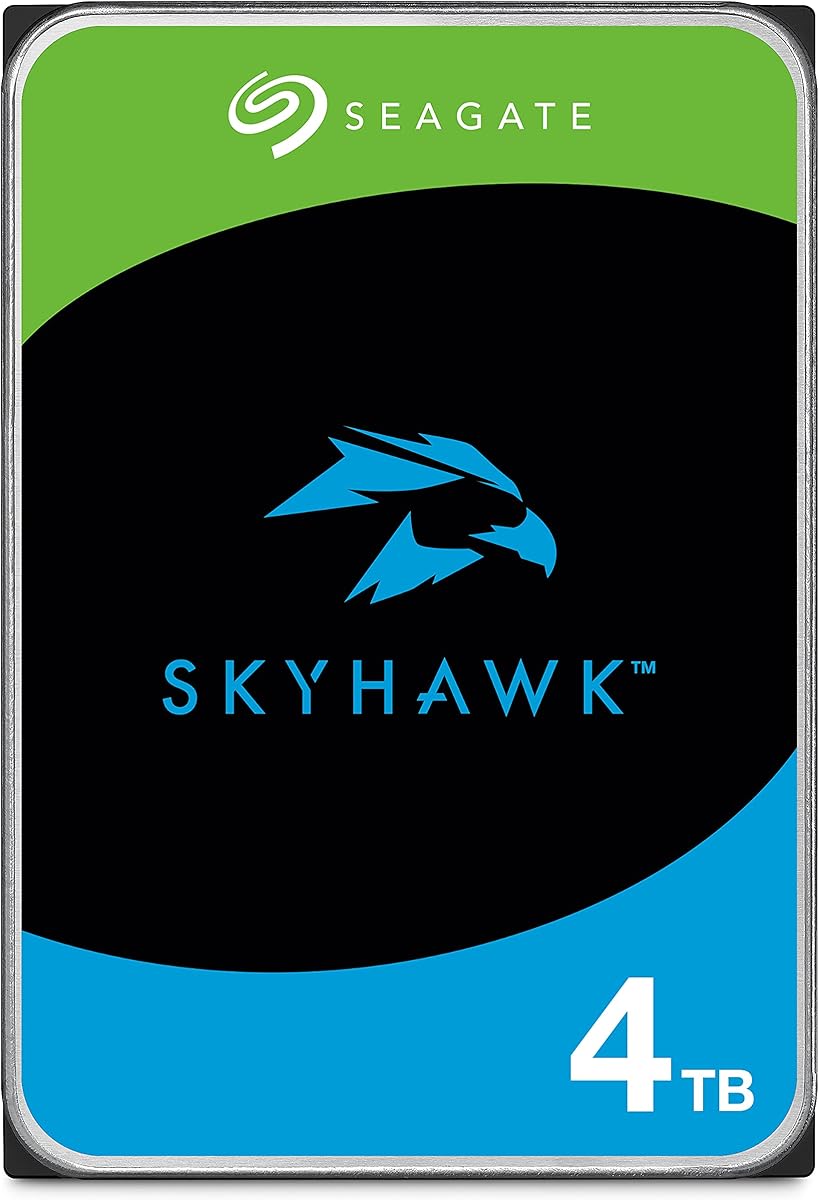
Skyhawk drives are engineered for video workloads which makes them suitable for media streaming. They support high workloads and provide reliable performance.
We may earn a commission when you buy through this link, at no additional cost to you.
The rotational vibration sensors ensure stable operation in multi-bay systems. This is helpful for maintaining consistent performance when multiple drives are running together.
While optimized for video recording, its read performance is also excellent for streaming. The drive handles sustained read operations effectively.
Users needing a dedicated video drive can use this for Jellyfin. Its design ensures stability and durability for continuous media streaming applications.
Supports up to 180TB per year workload which is ideal for heavy media streaming and storage use.
Built-in sensors maintain performance in multi-drive setups and protect data integrity.
We may earn a commission when you buy through this link, at no additional cost to you.
WD Purple drives are designed for high workload scenarios which translates to durability. They are built for continuous operation and handle video workloads well.
We may earn a commission when you buy through this link, at no additional cost to you.
The AllFrame AI technology optimizes write performance which helps with recording and archiving media. This design helps reduce errors and dropped frames.
With a 128 MB cache, this drive supports fast data processing. Its endurance makes it suitable for servers that run 24/7.
Users with high capacity needs should consider this drive. It offers reliability and performance for demanding media server environments.
Enhances performance and reduces errors during high-density video recording and playback tasks.
Supports continuous operation for long periods without wear or performance degradation.
We may earn a commission when you buy through this link, at no additional cost to you.
Another excellent Skyhawk option that delivers high reliability for video storage. It is engineered for continuous workloads and media streaming.
We may earn a commission when you buy through this link, at no additional cost to you.
The Image Perfect firmware ensures crisp and clear video output. This is essential for preserving the quality of your stored media library.
With rotational vibration sensors, this drive performs well in multi-drive configurations. It is a solid choice for building a robust media server.
Users looking for value and reliability should choose this drive. It balances performance and cost effectively for a home media center.
Ensures high-quality video output and preserves image clarity during playback.
Rotational vibration sensors keep performance stable in multi-drive enclosures.
We may earn a commission when you buy through this link, at no additional cost to you.
This 2.5 inch drive is ideal for portable servers or low-power setups. Its slim profile fits easily into compact server cases.
We may earn a commission when you buy through this link, at no additional cost to you.
While capacity is limited, it is perfect for metadata or smaller libraries. The drive is lightweight and consumes less power than 3.5 inch options.
It is a great choice for users who prioritize portability. It fits well in laptops or small form factor servers.
Users with space constraints will appreciate this drive. It offers a reliable and compact solution for your Jellyfin server needs.
Seven millimeter slim profile fits easily into small server cases and laptops.
Uses less power than larger drives making it ideal for energy efficient systems.
We may earn a commission when you buy through this link, at no additional cost to you.
Selecting the right hard drive requires understanding your server needs and how the drive performs under continuous read operations.
Capacity is the most critical factor for media libraries. You need enough space to store all your media files without running out of room. Calculate your library size and add extra room for growth.
Choose a drive that matches your storage requirements and allows for future expansion.
Endurance measures how well a drive handles continuous operation. Media servers run 24/7 so drives must withstand constant read operations. Higher workload ratings indicate better longevity.
Look for drives with high workload ratings and reliability for your needs.
Speed determines how fast data is read and transferred. Faster drives support smoother playback especially for 4K content. Consider RPM and cache size for performance.
Higher speed drives improve streaming quality and reduce buffering.
Form factor affects installation and compatibility. 3.5 inch drives offer more capacity while 2.5 inch drives are smaller and portable. Choose based on your server case size.
Ensure your drive fits your server case and power requirements.
Reliability features like health monitoring and vibration sensors protect your data. They alert you to potential issues and ensure stable performance. These are critical for long-term reliability.
Look for drives with advanced health management and vibration sensors.
Warranty coverage protects your investment. Drives with longer warranties often indicate higher quality. Data recovery services add extra security for your library.
Choose drives with comprehensive warranties and support options.
Budget affects your options for capacity and performance. Balance cost with reliability and capacity needs. Cheaper drives may save money but lack reliability.
Invest in quality for longevity and peace of mind.
If using RAID, ensure the drive supports it. Some drives are optimized for RAID configurations while others are not. This affects data safety and performance.
Choose RAID-optimized drives for multi-drive setups.
Install the drive securely in your server chassis and connect power and data cables properly. Ensure airflow is adequate to prevent overheating.
Format the drive to match your operating system and configure your Jellyfin media library paths. This ensures your server can access the storage correctly.
Regularly monitor drive health using built-in tools and back up critical metadata. Proper care ensures long lifespan and reliable performance.
Yes you can use a standard desktop drive for Jellyfin especially for home setups. However drives optimized for continuous operation may be more reliable for long-term use.
The amount depends on your library size and quality. High definition content requires more space so plan for at least 4TB for a small library and more for larger collections.
CMR drives use conventional magnetic recording which is faster and more reliable for frequent writes. SMR drives are cheaper but slower and not ideal for active servers.
For home servers a standard drive may suffice. But for multi-user or 24/7 operation a NAS drive is worth the cost for its reliability and endurance.
Yes backing up metadata is important to avoid losing custom settings. Use external storage or cloud backups to safeguard your library configuration.
Watch for unusual noises performance errors or health alerts from monitoring tools. Regular checks help detect issues before data loss occurs.
We highlighted ten reliable hard drives that balance capacity performance and durability. Whether you need high capacity or budget-friendly options there is a solution for your Jellyfin setup.
Prioritize drives that match your usage patterns and budget. A reliable server needs storage that performs well and lasts long.
Remember to check current availability and consider future needs when choosing your drive. Regular maintenance ensures smooth streaming for years.