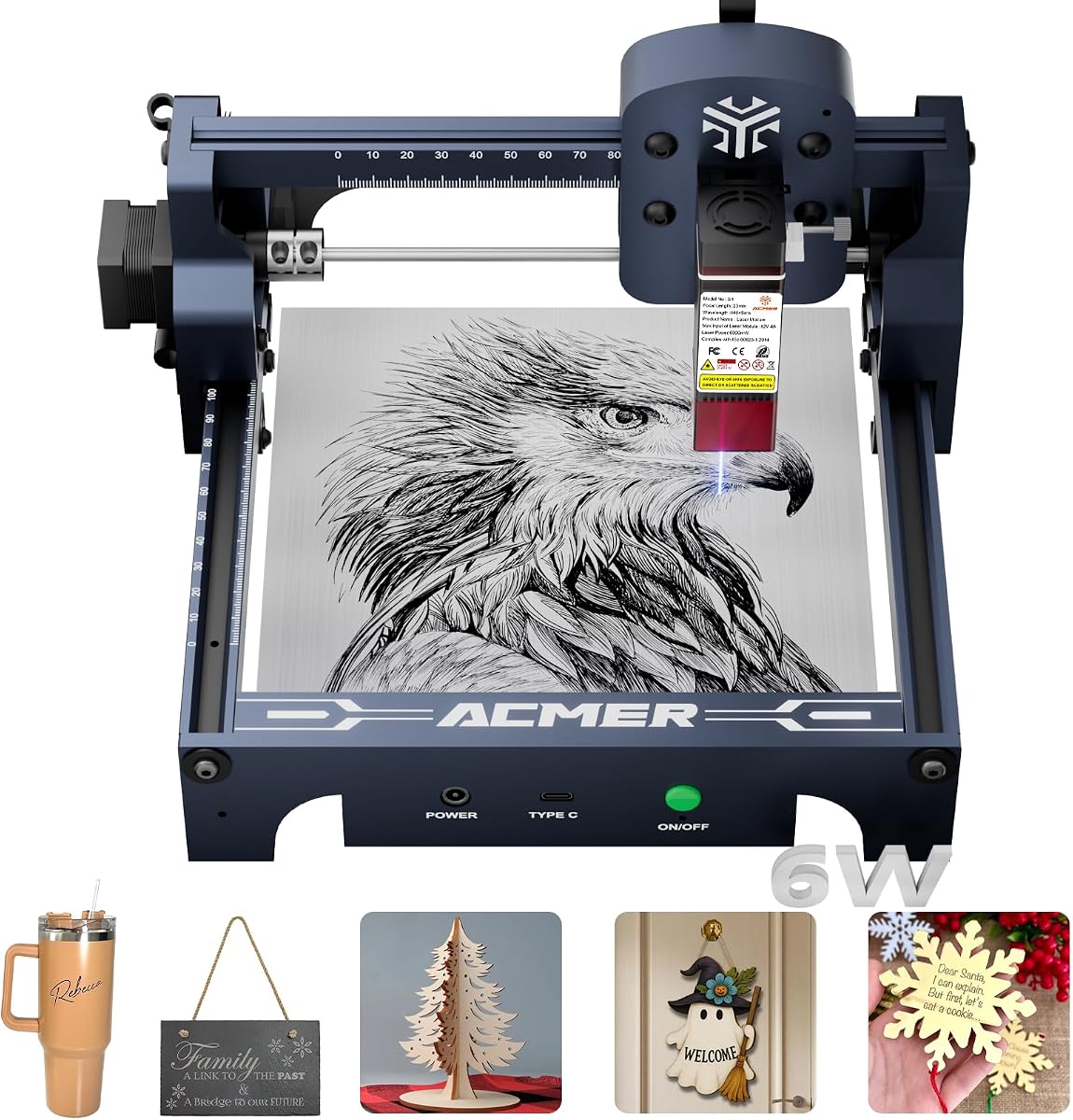
ACMER S1 Laser Engraver Machine
4.3Editor score
6000mW diode laser power
130x130mm working area
Beginner-friendly AI software
This guide compares the top Acmer laser engraver models for precision cutting and engraving across wood, acrylic, and metal in October 2026.
Choosing the right laser engraver can transform your creative projects and small business operations. Acmer offers a range of models designed for hobbyists and professionals alike, balancing power with ease of use.
We evaluated ten distinct Acmer laser engraver units based on laser power, precision, software compatibility, and safety features. Our analysis highlights which machines deliver the best value for specific crafting needs and workspace constraints.
Each pick below showcases key capabilities and ideal use cases to help you decide quickly. Prices and availability change frequently, so verify the latest details before making your final purchase decision.
4.3Editor score

4.4Editor score

5.0Editor score
This side-by-side comparison reviews every Acmer model available to help you find the perfect fit for your engraving and cutting needs.


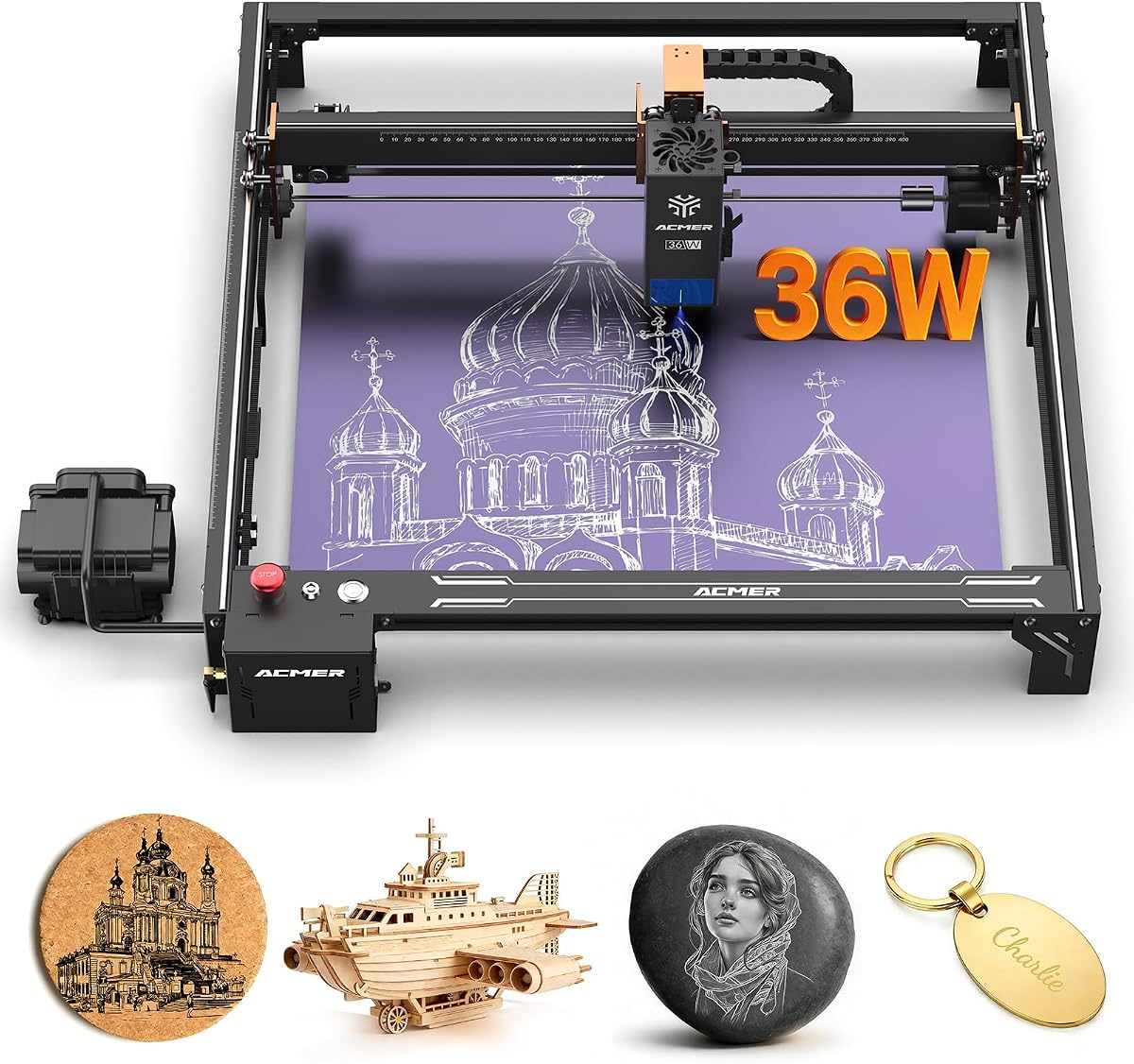
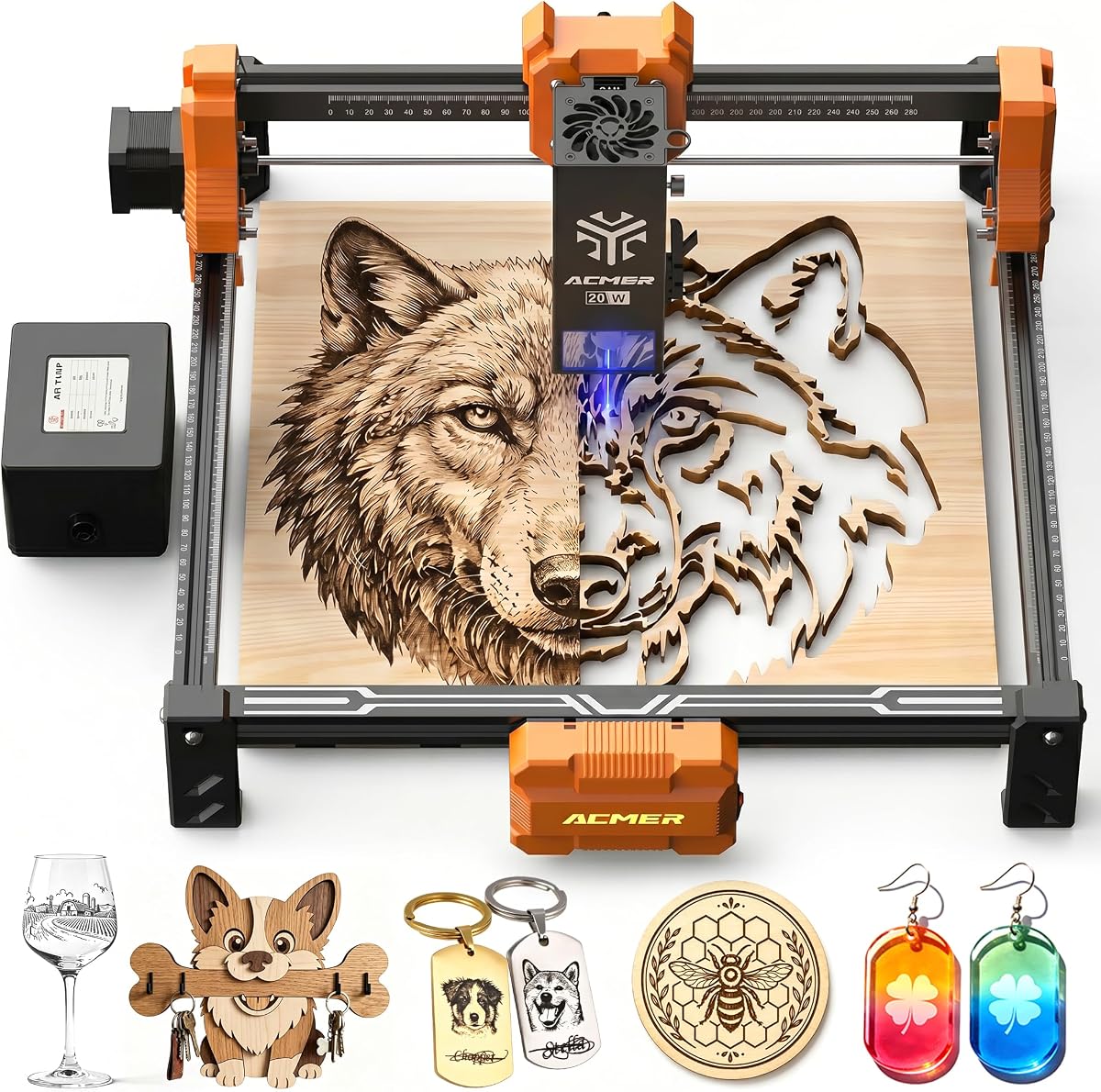
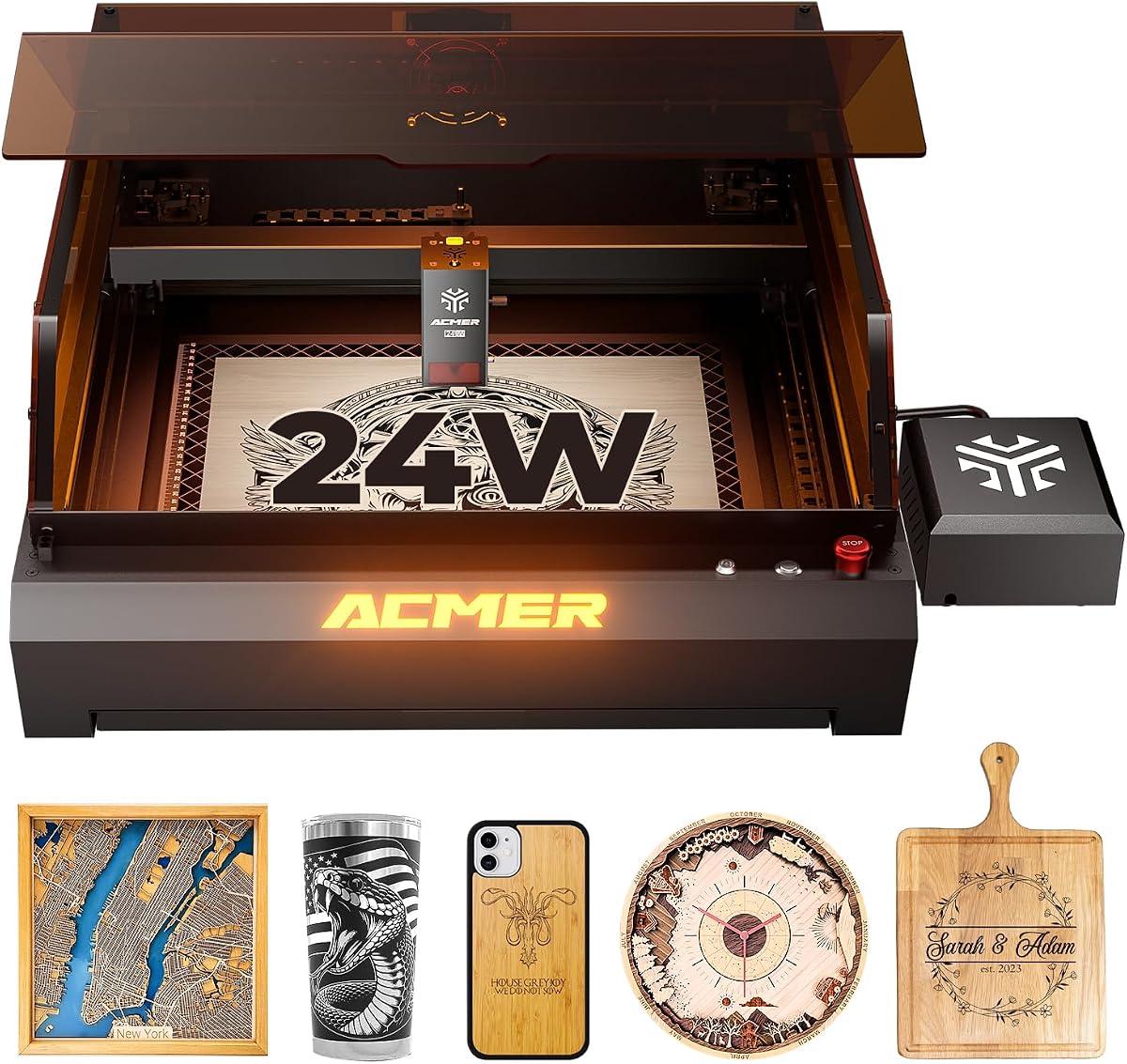

The ACMER S2 stands out as a top performer in the mid-range category with its true 12W laser capability and high precision. It balances performance and usability effectively for both hobbyists and small businesses looking for reliable results.
We may earn a commission when you buy through this link, at no additional cost to you.
Its 12000mW laser module allows cutting through 15mm paulownia wood and 12mm black acrylic with multiple passes. The 0.01mm positioning accuracy ensures intricate designs and fine text appear crisp and consistent across various projects.
While the software suite is robust with ACMER Studio support, some users may prefer third-party tools like LightBurn which also works seamlessly. The anti-UV shield and motion protection enhance safety but require careful setup initially.
This model is best suited for makers who need versatility without stepping into the professional enclosure tier. Its expandability through optional rotary modules or air assist makes it a future-proof choice for growing creative needs.
The 0.08mm laser spot allows for detailed artwork and photo engraving with clean edges.
Over 100 materials including wood, leather, and coated metals are supported out of the box.
We may earn a commission when you buy through this link, at no additional cost to you.
The ACMER S1 offers an excellent entry point for beginners with its lightweight design and simplified setup process. It is perfect for small projects and hobbyists who need portability without sacrificing core engraving functions.
We may earn a commission when you buy through this link, at no additional cost to you.
With a 6000mW output and ultra-fine accuracy, it handles detailed engraving on wood and acrylic well. The compact size fits easily on desktops and the preassembled nature means you can start creating immediately.
The main trade-off is the smaller 130x130mm workspace which limits larger sign making or batch production. Power is adequate for thin materials but deeper cuts require patience compared to higher wattage models.
This model is ideal for those testing the waters of laser cutting before committing to a larger investment. Its safety certifications and supportive software ecosystem make it a safe starting point for new users.
Most assembly is done at the factory so laser head installation takes just one minute.
Built-in tools convert text or photos into engraving patterns with minimal manual editing.
We may earn a commission when you buy through this link, at no additional cost to you.
The ACMER P3 represents the pinnacle of home laser engraving with enclosed safety and professional-grade dual power options. It is designed for users who prioritize safety and speed in equal measure without compromising on precision.
We may earn a commission when you buy through this link, at no additional cost to you.
Its ability to switch between 24W and 48W allows flexibility for delicate engraving versus rapid heavy cutting. The closed box reduces smoke and noise significantly making it suitable for indoor office environments.
The price point reflects the robust safety features and advanced CoreXY structure which ensures stability at high speeds. Beginners might find it overkill for simple projects but it is a robust tool for serious creators.
This unit is recommended for businesses needing daily production reliability and safety compliance. The integrated camera and fire detection add layers of peace of mind often reserved for industrial units.
Class 1 laser safety certification and automatic fire detection protect users during operation.
Dual lasers and high speeds enable efficient batch processing for small business needs.
We may earn a commission when you buy through this link, at no additional cost to you.
This variant of the S2 highlights the importance of software integration with its AI design tools and 32-bit chip. It maintains the core strengths of the S2 while offering enhanced ease of use for design creation.
We may earn a commission when you buy through this link, at no additional cost to you.
The 32-bit chip improves overall engraving speed up to 10000mm/min which reduces wait times for larger projects. AI capabilities allow turning simple text prompts into complex visuals which saves time for non-designers.
Functionally it mirrors the standard S2 in power and size but appeals more to those seeking digital workflow enhancements. The consistency in hardware ensures reliable performance across both versions of this popular model.
Buyers looking for software-assisted creativity will appreciate this specific configuration. It is a solid choice for those who value speed and digital tools over mechanical upgrades.
Turn text or photos into designs quickly using integrated AI tools inside ACMER Studio.
The 32-bit chip enables faster processing and smoother motion during high speed engraving.
We may earn a commission when you buy through this link, at no additional cost to you.
This 7W version of the S2 emphasizes safety and ease of use with motion detection auto-pause and protective shields. It is particularly appealing to families or educational settings where safety is paramount.
We may earn a commission when you buy through this link, at no additional cost to you.
While 7W is less powerful than the 12W model it still handles wood and acrylic effectively for thin layers. The speed remains competitive at 10000mm/min ensuring decent throughput for light projects.
Users report high satisfaction likely due to the reliable safety mechanisms and straightforward setup process. The trade-off in power means it is less suited for deep cutting or dense material applications.
This model is perfect for schools or home makers prioritizing safety and lower cost. It offers a great balance of features for beginners who want peace of mind while learning.
Motion protection pauses the laser if abnormal movement is detected during operation.
Included goggles and shields make it ready for safe use right out of the box.
We may earn a commission when you buy through this link, at no additional cost to you.
The P1 S Pro delivers exceptional power with its 20W output and integrated air assist which improves edge quality significantly. It is a step up in performance for those needing deeper cuts without the size of a large unit.
We may earn a commission when you buy through this link, at no additional cost to you.
The built-in air pump reduces burn marks and smoke residue during cutting which is a major advantage over models requiring external add-ons. This feature alone makes it a strong contender for quality-conscious crafters.
Acceleration up to 500mm/s² ensures quick transitions and smooth engraving which maintains speed during complex designs. The lens technology promises a long life of 8000 hours which reduces maintenance concerns.
Ideal for intermediate users needing robust performance without enclosure complexity. This machine is a powerful workhorse for those ready to invest in better cut quality and speed.
The 25L/min air assist pump clears smoke to keep edges clean and sharp.
Blue light synthesis technology provides an 8000 hour lifespan for durability.
We may earn a commission when you buy through this link, at no additional cost to you.
This unit pushes performance with a 36W laser and speeds reaching 24000mm/min which is impressive for a desktop machine. It aims at users who value throughput and precision over compact size.
We may earn a commission when you buy through this link, at no additional cost to you.
Dual linear rails ensure stability during high-speed runs reducing vibration and misalignment errors. This mechanical upgrade supports professional-grade output which is necessary for repetitive or large tasks.
WiFi and TF card support offer convenient offline operation which adds flexibility for workshop environments. However the added features and power come with a higher price tag and setup complexity.
Recommended for power users and small shops needing reliable fast performance. The build quality and speed make it a standout for those prioritizing efficiency in their production.
Dual linear rails provide better alignment and smooth motion during high speed engraving.
WiFi and TF card slots allow wireless control and offline engraving capabilities.
We may earn a commission when you buy through this link, at no additional cost to you.
The S2 20W integrates air assist directly into the design improving cut quality on wood and acrylic. Its high rating suggests reliability and user satisfaction regarding its cutting consistency and ease of use.
We may earn a commission when you buy through this link, at no additional cost to you.
With 20W power it handles thicker materials than lower watt models while maintaining fine detail capabilities. The 25L/min pump helps clear smoke and residue for better visibility during operation.
Although slightly smaller than the 300x300mm standard this model offers a balanced workspace for most desktop projects. The included accessories reduce the need for extra purchases after buying the unit.
Great for users who want 20W performance with air assist included. It combines power and convenience in a single package ideal for serious hobbyists and crafters.
Built-in 25L/min pump reduces smoke and improves cutting edge cleanliness.
0.01mm accuracy ensures smooth gradients and sharp details on logos and text.
We may earn a commission when you buy through this link, at no additional cost to you.
This P3 version features a built-in camera and aviation grade aluminum frame for superior stability and positioning. It is designed for users needing large format engraving within a safe enclosed environment.
We may earn a commission when you buy through this link, at no additional cost to you.
The integrated camera allows dragging and positioning materials visually which streamlines the setup process. With a 400x400mm workspace it supports bigger items like tumblers or large plaques effectively.
Safety features like over-temperature protection and fire alarms are standard ensuring secure operation. The price reflects these professional features making it accessible only to serious users with space budgets.
Perfect for advanced makers needing large formats and precise positioning. This model delivers professional safety and capability in a compact desktop form factor.
Built-in camera module allows precise positioning of materials via software interface.
Aviation grade aluminum frame ensures stability at high speeds without vibration.
We may earn a commission when you buy through this link, at no additional cost to you.
This unit offers a large 380x370mm workspace at an entry level price making it great for bigger projects without higher power costs. Its modular design ensures easy assembly and maintenance for daily users.
We may earn a commission when you buy through this link, at no additional cost to you.
WiFi control allows flexible operation from phones or PCs which adds modern convenience to the workflow. The dual beam laser increases engraving coverage efficiency even at 6W power.
Class 1 certification ensures safe operation when properly enclosed which is vital for home environments. While cutting depth is limited the large area makes it ideal for signs and broad patterns.
Ideal for hobbyists needing size without heavy investment. It balances budget and workspace needs well for those starting their laser journey.
380x370mm workspace allows larger designs without needing multiple repositions.
WiFi control enables operation without constant PC connection via mobile apps.
We may earn a commission when you buy through this link, at no additional cost to you.
Selecting the right laser engraver requires balancing power precision and safety features with your specific project needs.
Laser power measured in milliwatts determines how deeply you can cut materials. Higher wattage like 20W or 36W allows cutting thicker wood and acrylic whereas 6W or 7W is better for light engraving on thin surfaces. Consider your primary material types to choose the right output level.
Prioritize models with true output specs rather than peak ratings to ensure consistent performance during your projects.
The working area defines the maximum size of items you can engrave at once. Models range from compact 130x130mm to expansive 400x400mm depending on the unit. For small signs and detailed crafts a smaller bed saves space while larger formats support professional batch work.
Choose a workspace that matches the largest items you plan to produce regularly.
Accuracy determines how sharp your text and intricate designs appear. Most ACMER models offer 0.01mm positioning accuracy which is ideal for logos and fine patterns. Look for compressed laser spots around 0.08mm to ensure clean edges and high detail resolution.
Precision is critical for photo engraving and small text so check spot size specs carefully.
Safety should never be overlooked when using high powered lasers. Features like anti-UV shields motion detection auto-pause and enclosed boxes reduce accidental exposure risks. Certified models such as Class 1 ensure safer environments for home and office use.
Always verify safety certifications and protective accessories are included or available.
Air assist pumps clear smoke and debris from the cutting path improving edge quality and protecting lenses. Built-in options reduce the need for external attachments which streamline setup and operation. Some units include 25L or 30L pumps which enhance cutting speed and finish.
For cleaner cuts especially on wood and acrylic prioritize models with built-in air assist.
Software determines how easily you can manage design files and machine settings. ACMER supports free Studio software plus third party options like LightBurn and LaserGRBL which offer advanced control. Ensure compatibility with your operating system including Windows macOS or Linux.
Look for intuitive software and file format support to streamline your creative workflow.
Modern engravers offer WiFi USB and TF card slots for flexible operation. Wireless control lets you work without cables which reduces clutter and allows mobile management. Offline options provide reliability even when network access is unavailable during production.
Choose connectivity that fits your workspace setup and remote management needs.
Robust frames like aviation grade aluminum ensure stability during high speed runs. Linear rails improve motion smoothness and reduce wear over time. Strong construction helps maintain precision and extends machine life especially under frequent use.
Invest in units with solid frames and industrial guides for long term reliability.
Begin by assembling the machine following the manufacturer guidelines to ensure proper alignment. Install protective goggles and shields before powering on the laser module to avoid accidental exposure during setup.
Prepare your material by cleaning the surface and securing it firmly on the bed to prevent movement. Use the software to import your design and adjust laser settings based on the material type and thickness.
After engraving allow the machine to cool down and clean the work area to remove debris. Regularly inspect the lens for smoke residue and clean it gently to maintain consistent performance and cut quality.
Acmer laser engravers can process wood, acrylic, leather, paper, and coated metals. Higher power models can cut deeper into wood and acrylic while lighter ones are best for surface engraving. Always check material safety guidelines before laser cutting.
Yes most Acmer engravers support LightBurn and LaserGRBL alongside their native ACMER Studio. This flexibility allows you to use advanced features and custom workflows depending on your design preferences and system setup.
Air assist pumps clear smoke and debris from the laser path reducing burn marks and protecting the lens. This leads to cleaner edges on cut materials and helps maintain consistent performance during long engraving sessions.
Acmer engravers can mark anodized aluminum and coated metals effectively. Bare metals often require a spray or coating to absorb the laser energy properly. Always test a small area to ensure safe and visible results.
Always wear certified laser safety glasses and ensure the workspace is ventilated. Use built-in shields and motion detection features to prevent exposure and never leave the machine unattended during operation.
Workspace needs vary by model but most desktop units require at least a 50x50cm surface. Larger models like the P3 need more room for enclosures and accessories so measure your area before purchasing.
Acmer provides a 12-month warranty on most models along with 24/7 customer support. This covers manufacturing defects and helps with setup issues so keep your purchase receipt for claims.
Yes with optional rotary modules Acmer engravers can handle cylindrical items like bottles and mugs. This expands your project options for personalized gifts and round surface designs.
The ACMER lineup offers diverse options from entry level budget models to premium enclosed systems. Whether you choose the S2 for its balance of power and precision or the P3 for safety and speed there is a fit for every maker.
Prioritize laser power and workspace size based on your specific project needs to ensure you get the best results. Safety features and software compatibility should also guide your final selection to avoid future limitations.
Always verify current pricing and availability before purchasing as these models may see promotions or updates. We hope this guide helps you find the perfect laser engraver for your creative journey.