
Tapo 1080P Indoor Security Camera
4.4Editor score
Affordable pricing
Local storage support
Two-way audio
Discover the top Airbnb security camera options for hosting. This guide compares features, privacy, and reliability to help you secure your rental property
Securing your rental property requires reliable monitoring tools that respect guest privacy while ensuring safety. Choosing the right system involves balancing resolution, connectivity, and ease of use for hosts who manage multiple units.
We evaluated ten top-rated models based on video quality, night vision capabilities, and smart detection features. Our analysis focuses on practical deployment scenarios common in short-term rentals and vacation homes.
Each selection highlights unique strengths for different hosting needs. Note that availability and pricing may fluctuate, so verify current details before purchasing to ensure you get the best value for your investment.
4.4Editor score

4.7Editor score

4.5Editor score
This side-by-side comparison outlines the key specifications and capabilities of each selected model to help you decide which fits your rental space best.




The Ring Indoor Cam stands out as a top choice for hosts needing reliable indoor monitoring. It offers crisp 1080p HD video and live view access through the Ring app.
We may earn a commission when you buy through this link, at no additional cost to you.
Its standout quality is the manual privacy cover, allowing hosts to disable recording when guests are present without compromising security when needed. This balance supports trust and safety.
While the camera is excellent, it relies on a subscription for advanced features like AI alerts. Also, it requires a constant power source, limiting placement options slightly.
Ideal for hosts prioritizing clear video and user-friendly controls. We recommend it for living areas where privacy and ease of use are essential.
The manual privacy cover allows hosts to physically block the lens when guests are present, fostering trust and respecting personal space.
Hosts can check in on their property anytime using live view, ensuring real-time oversight without impacting guest experience.
We may earn a commission when you buy through this link, at no additional cost to you.
The Tapo 1080P Indoor Security Camera offers excellent value for hosts on a budget. It provides solid video quality and essential monitoring tools like two-way audio.
We may earn a commission when you buy through this link, at no additional cost to you.
Its key strength lies in its ability to store footage locally via microSD, avoiding monthly fees. This feature helps keep costs low for smaller properties.
The camera requires a wired connection, which might limit placement to areas near outlets. However, this ensures consistent power without battery changes.
Best for cost-conscious hosts needing basic monitoring. It delivers reliable performance for checking in on pets or common areas efficiently.
Using a microSD card for storage eliminates subscription costs, making it ideal for hosts managing tight operational budgets.
Clear audio allows hosts to communicate with guests or alert them via the app, enhancing interaction and property management.
We may earn a commission when you buy through this link, at no additional cost to you.
The eufy Security 4K Indoor Camera E30 delivers top-tier performance with 4K resolution and no subscription fees. It is a premium choice for high-quality surveillance.
We may earn a commission when you buy through this link, at no additional cost to you.
Its main strength is the ability to capture detailed footage day or night. With AI tracking and pan-tilt capabilities, it covers entire rooms seamlessly.
While the upfront cost is higher, the lack of ongoing fees offers long-term savings. Setup may require a home base for storage, adding a step.
Recommended for hosts wanting best-in-class clarity and control. It excels in large spaces where detail and flexibility are paramount.
Local storage options mean no recurring fees, providing a cost-effective long-term solution for premium security needs.
The 360-degree view ensures no corner is missed, allowing hosts to monitor expansive living areas from a single device.
We may earn a commission when you buy through this link, at no additional cost to you.
This two-pack system offers great value for monitoring multiple windows across different units. Its 2K resolution ensures clear footage day and night.
We may earn a commission when you buy through this link, at no additional cost to you.
The magnetic mount simplifies installation, requiring no drilling. This is ideal for rentals where permanent modifications are discouraged.
While the window mount is convenient, it limits placement options. Also, full features may require a subscription, so check storage needs first.
Perfect for hosts with multiple windows to cover. It balances ease of use with reliable video quality for entry points.
No tools are needed to secure the camera to the glass, making setup fast and damage-free for rental properties.
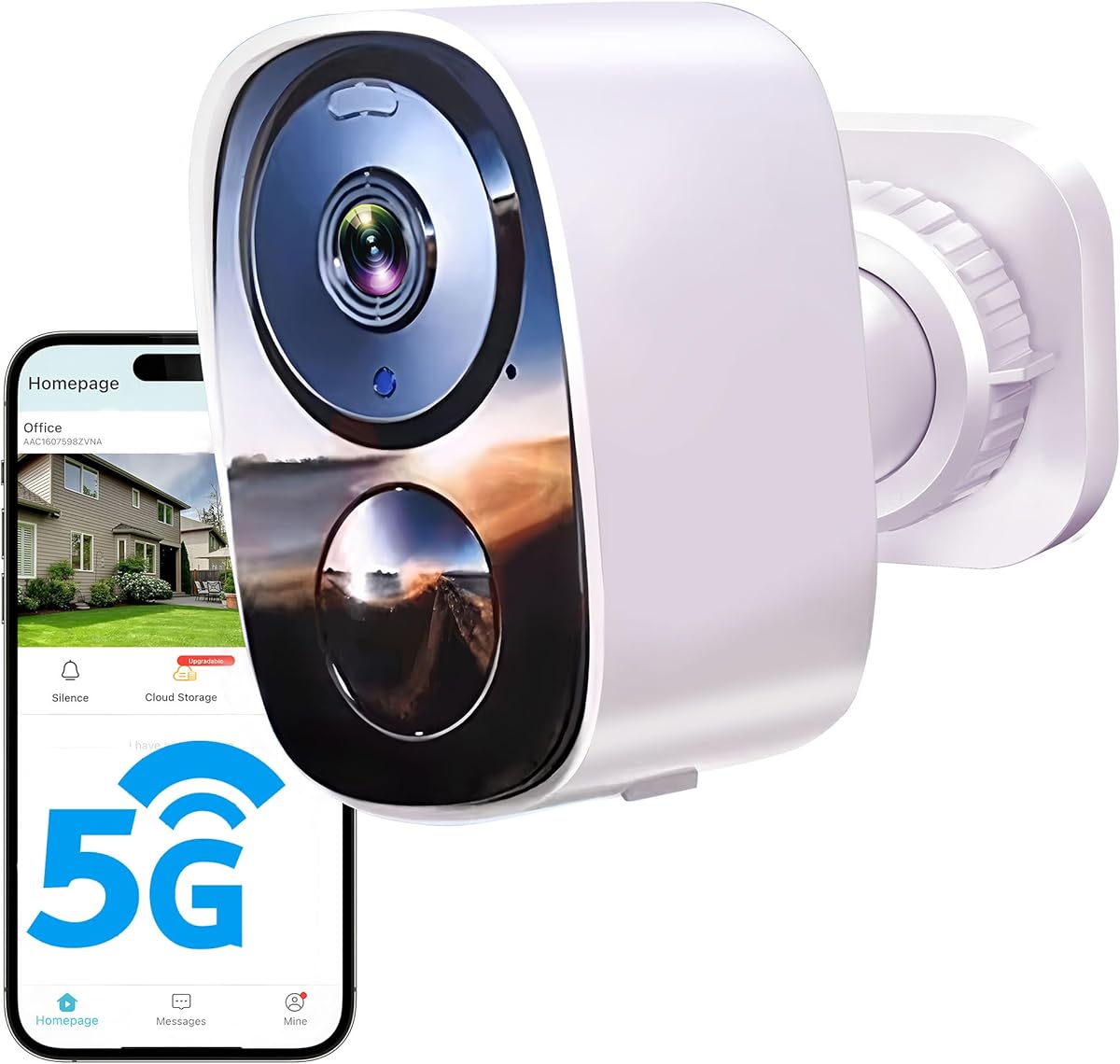
Support for 5GHz WiFi ensures stable streaming even in crowded networks, reducing lag and connection drops.
We may earn a commission when you buy through this link, at no additional cost to you.
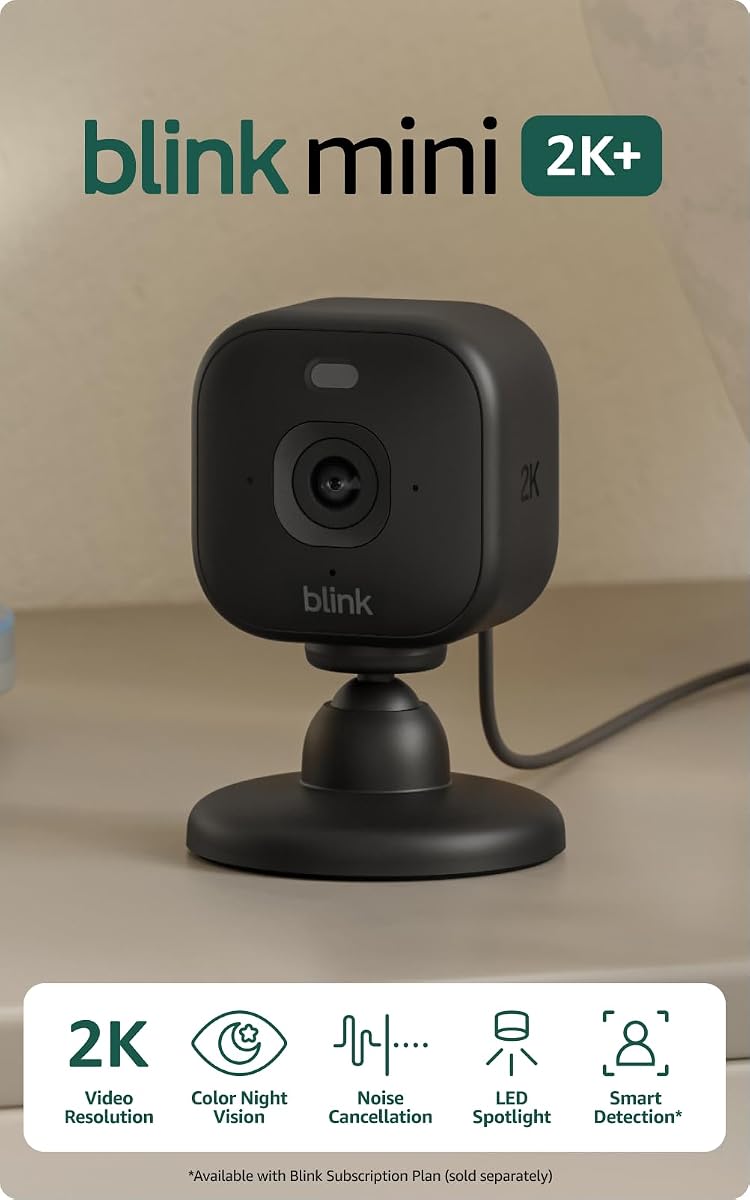
The Blink Mini 2K+ provides sharp 2K video and enhanced audio for clear monitoring. It is a solid plug-in camera for indoor spaces.
We may earn a commission when you buy through this link, at no additional cost to you.
Smart detection features help filter out false alerts, focusing on people or vehicles. This improves alert relevance for hosts.
It requires a subscription for cloud storage, which adds ongoing costs. Additionally, it is designed for indoor use only.
Good for hosts needing detailed indoor views. It excels in living areas where clear audio and video help manage guest interactions.
Noise cancellation technology ensures conversations are clear, facilitating better communication between hosts and guests remotely.
AI-powered alerts reduce noise by focusing on relevant movements, saving time and avoiding unnecessary notifications.
We may earn a commission when you buy through this link, at no additional cost to you.
This 4-pack system offers complete outdoor coverage with 2K video and wireless flexibility. It is perfect for monitoring driveways and patios.
We may earn a commission when you buy through this link, at no additional cost to you.
The battery-powered design allows placement anywhere without outlets. Weather resistance ensures durability against rain or extreme heat.
Charging batteries periodically is necessary, which may be inconvenient for remote locations. Also, it supports only 2.4GHz WiFi.
Ideal for hosts wanting full exterior surveillance. It balances versatility with robust performance for outdoor security needs.
No cables mean cameras can be placed anywhere, covering blind spots without worrying about power outlets.
Built to withstand various climates, ensuring continuous operation regardless of seasonal changes.
We may earn a commission when you buy through this link, at no additional cost to you.
This upgraded model offers 2K video and free cloud storage without subscriptions. It is a practical solution for hosts needing simple monitoring.
We may earn a commission when you buy through this link, at no additional cost to you.
Battery life ranges up to six months depending on usage. AI motion detection helps ensure alerts are relevant to your property.
Battery life varies with motion frequency, so high-traffic areas may need frequent charges. Also, night vision may lack full color detail.
Great for hosts wanting free storage. It delivers reliable outdoor security with minimal monthly commitments and easy setup.
Basic cloud access is included without fees, offering a convenient backup for recorded footage without ongoing costs.
Both 2.4GHz and 5GHz networks are supported, providing flexibility for stable connections in diverse network environments.
We may earn a commission when you buy through this link, at no additional cost to you.
The Blink Outdoor 4 stands out for its impressive two-year battery life. It simplifies outdoor security without frequent recharging.
We may earn a commission when you buy through this link, at no additional cost to you.
It includes a Sync Module for system management, though local storage requires an additional purchase. This setup allows for easy expansion.
Full features like cloud storage cost extra. For hosts on a tight budget, this might add up quickly.
Best for large properties needing long-term monitoring. It balances power efficiency with solid HD video quality.
With two years on a single charge, maintenance is minimal, making it ideal for hard-to-reach outdoor locations.
Adding more cameras is simple with the included Sync Module, allowing flexible scaling as security needs grow.
We may earn a commission when you buy through this link, at no additional cost to you.
The Ring Outdoor Cam provides versatile HD monitoring with color night vision. Its battery design allows for flexible placement anywhere.
We may earn a commission when you buy through this link, at no additional cost to you.
Live view and Alexa support make checking in effortless. The camera adapts well to various weather conditions.
Advanced features require a subscription. Battery recharge frequency depends on usage intensity in your specific environment.
Perfect for hosts wanting reliable outdoor surveillance. It integrates well into existing smart home setups effectively.
Color footage at night provides better identification details than standard infrared, enhancing security clarity.
The versatile mount lets you position the camera on walls, ceilings, or flat surfaces easily for optimal coverage.
We may earn a commission when you buy through this link, at no additional cost to you.
The eufy Security C31 offers complete coverage without monthly fees. It supports both indoor and outdoor use seamlessly.
We may earn a commission when you buy through this link, at no additional cost to you.
With 360-degree pan and tilt, one camera covers an entire room. Local storage ensures data privacy without cloud dependence.
It requires a HomeBase for full functionality, which adds hardware. Setup may take time for optimal placement and connection.
Ideal for hosts seeking privacy and value. It provides robust security without long-term subscription commitments.
Footage stays on your own device, ensuring privacy and eliminating monthly subscription costs for cloud storage.
Full room monitoring with one unit reduces device count and cost while maintaining comprehensive security oversight.
We may earn a commission when you buy through this link, at no additional cost to you.
Selecting the right security camera for your rental involves evaluating several key factors to ensure safety and guest satisfaction.
Video resolution determines how clearly you can see people and details. Aim for at least 1080p to ensure faces are identifiable. Higher resolutions like 2K or 4K offer sharper images, which is beneficial for identifying visitors or monitoring entry points closely.
Prioritize HD resolution for accurate monitoring and evidence clarity.
Consider where you need to install the camera. Outdoor models should be weather-resistant. Indoor ones might need a mount that does not damage walls. Magnetic or suction mounts are great for rentals to avoid permanent changes.
Choose mounting options that fit your property layout without causing damage.
Cameras may be plugged in or battery-powered. Plug-in units offer continuous recording but require an outlet. Battery models provide flexibility but need recharging. Check battery life estimates based on your expected usage frequency.
Select a power source that aligns with your availability for maintenance.
Storage can be local via microSD or cloud. Cloud storage often requires a subscription. Local storage saves money long-term but limits remote access. Decide based on your budget and privacy preferences regarding data retention.
Evaluate storage costs to fit your long-term operational expenses.
AI features distinguish between people, pets, and general motion. Accurate alerts reduce false notifications. Look for models that allow you to set activity zones to focus on specific areas of your property.
Smart detection ensures you only get alerts that truly matter for your security.
Privacy tools like physical covers or app-based toggles are vital for indoor cameras. They allow hosts to disable recording when guests are present. Balancing safety with respect for guest privacy is crucial for maintaining trust.
Ensure the camera has tools to respect privacy boundaries effectively.
Stable WiFi is essential for remote access. Dual-band support helps reduce interference. Some models require a hub or sync module. Ensure your network can handle the camera's bandwidth needs for smooth streaming.
Check connectivity requirements to avoid streaming issues or signal drops.
Consider both upfront costs and ongoing fees. A cheaper camera with high subscription fees might cost more over time. Evaluate the total cost of ownership to ensure it fits your rental income model.
Look for models that offer the best value beyond the initial purchase.
Begin by installing the camera in a location that covers key entry points like doors or driveways. Ensure it is mounted securely and angled to capture the necessary view without pointing directly into private guest spaces.
Regularly check the app for firmware updates to keep security features current. Clear the lens periodically to ensure optimal image quality, especially if the camera is outdoors and exposed to dust or dirt.
Review your alert settings to avoid notification fatigue. Adjust sensitivity or set activity zones so you are notified only for significant events rather than every movement.
Yes, but you must follow local laws and disclose cameras clearly in your listing. Avoid placing cameras in private areas like bedrooms or bathrooms. Transparency with guests is key to maintaining trust and compliance.
Indoor cameras are allowed only if disclosed and not in private areas. Many hosts use them for security in common areas but disable them when guests are present to respect privacy.
Cameras with local storage can continue recording without internet. However, real-time alerts and remote viewing will pause until connectivity is restored. Consider a backup connection if continuous access is critical.
Battery life depends on usage and temperature. Some last months, others weeks. Check the app for battery levels and charge them during low-activity periods to ensure consistent protection.
Not always. Many models offer local storage options to avoid fees. However, advanced features like cloud storage or AI alerts usually require a paid plan. Choose based on your storage needs.
Yes, if footage was stored locally or in the cloud. Keep a backup of relevant files for any incidents. Cloud plans often allow you to download or save clips manually.
Report the theft to local authorities and check if your insurance covers security equipment. Some cameras have GPS tracking or alerts that might help recover the device. Always secure cameras properly.
The Ring Indoor Cam leads as the overall choice for its balance of quality and privacy features. Hosts on a budget may prefer the Tapo 1080P for its affordability and local storage options.
Consider your specific needs regarding placement and connectivity. Prioritize models that offer the right mix of video clarity, smart alerts, and cost efficiency for your property.
Always verify current pricing and availability before purchasing. Investing in reliable security protects both your property and guests effectively.