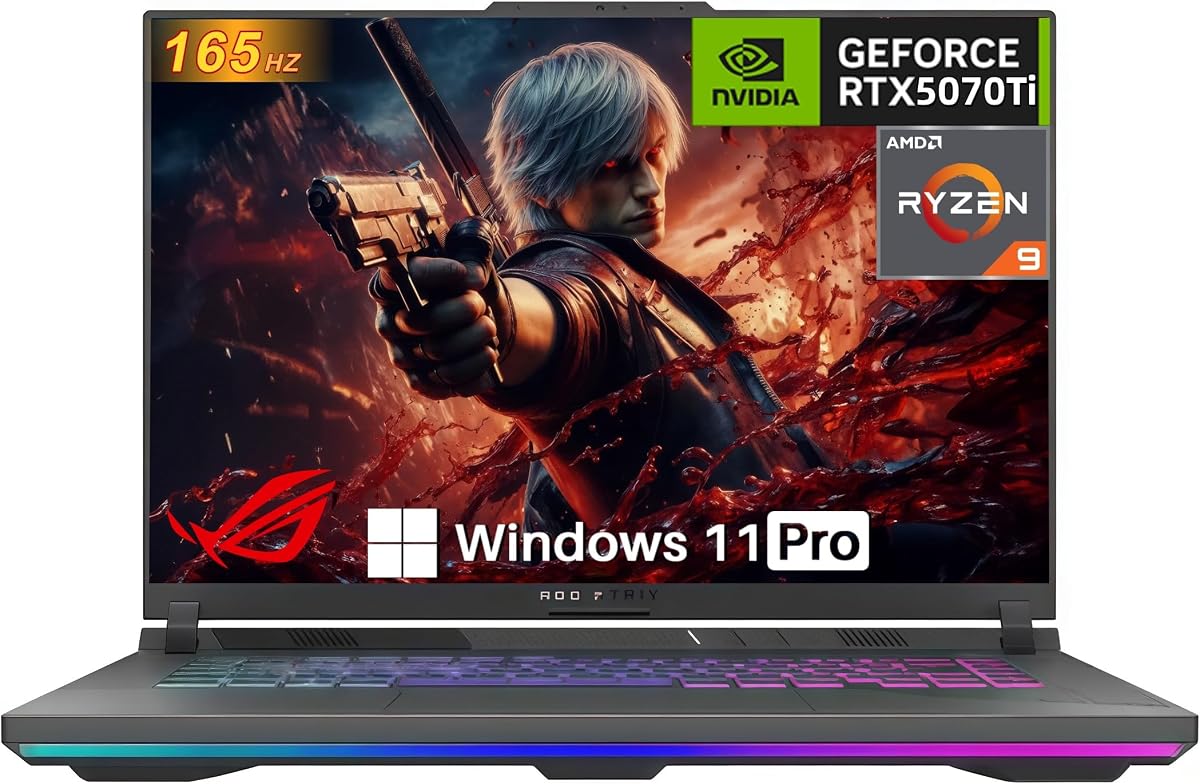
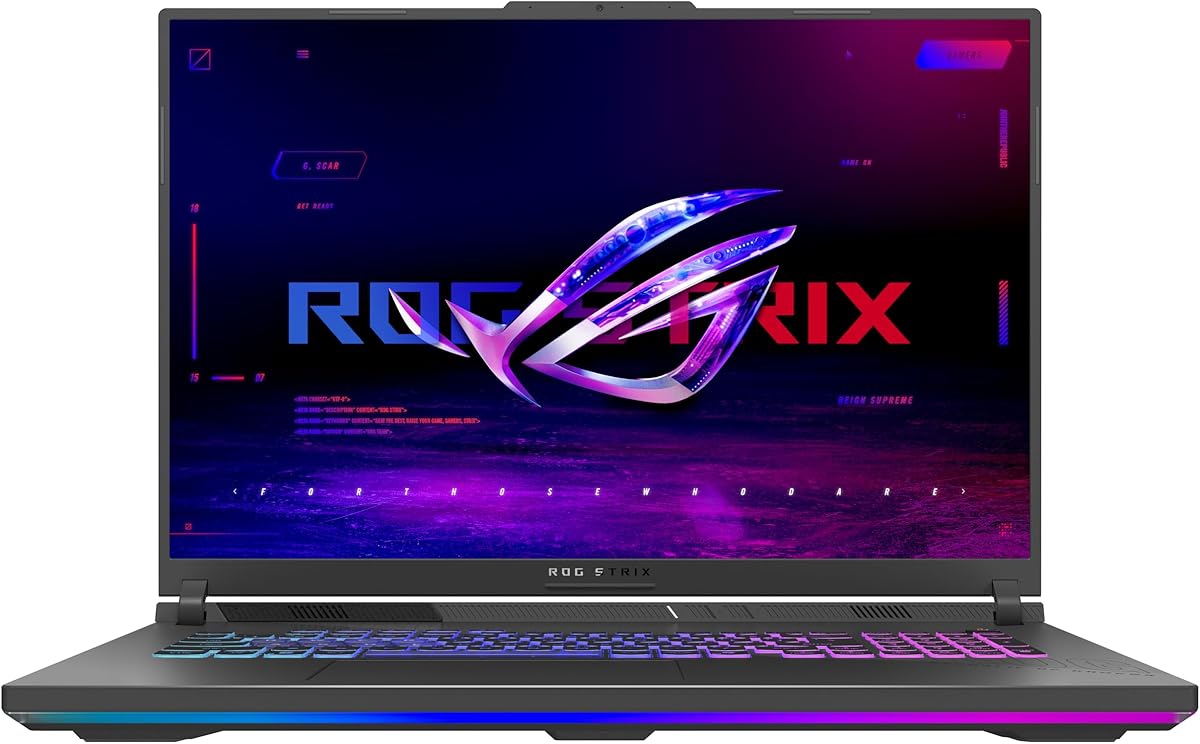
This guide compares the top ten ASUS ROG Strix laptops for gaming and creation, evaluating performance displays cooling and build quality to help you choose
As an Amazon Associate we earn from qualifying purchases. We may earn a commission when you buy through links on this page, at no additional cost to you. Read our affiliate disclosure.As an Amazon Associate we earn from qualifying purchases.Purchases through our links may earn us a commission, at no extra cost to you. Read our affiliate disclosure.
Finding the right gaming laptop involves balancing power portability and price. The ASUS ROG Strix lineup offers diverse options for gamers and creators seeking high performance. Each model brings unique features tailored to specific needs and budgets.
We analyzed ten current ROG Strix laptops comparing processors GPUs displays and cooling systems. Our review focuses on real-world usage scenarios including gaming content creation and daily productivity. This ensures you get a clear picture of how each machine performs.
Every pick highlights key strengths weaknesses and ideal use cases for potential buyers. Note that prices and availability change frequently so verify details before purchasing. We aim to provide lasting value through detailed analysis and honest assessments of each device.
This model stands out as an affordable entry point into the ROG ecosystem with a 4.4 rating from users. It delivers solid performance for competitive gaming and everyday tasks using the Blackwell architecture RTX 5060 and Intel Core i7 14650HX.
Pros
Strong entry-level gaming performance
Fast DDR5 memory speeds
Efficient vapor chamber cooling
Wi-Fi 7 connectivity support
Cons
FHD+ display limits color vibrancy
No dedicated MUX Switch feature
We may earn a commission when you buy through this link, at no additional cost to you.
The 16GB DDR5-5600MHz memory ensures smooth multitasking while the 1TB Gen 4 SSD provides fast load times. The 165Hz display offers fluid visuals though the FHD+ resolution is less vibrant than higher-end panels. Cooling remains efficient thanks to the tri-fan technology and vapor chamber design.
While it lacks some premium features like a MUX Switch or 4K display the value proposition is strong. The 360-degree RGB lightbar adds style without breaking the budget. Users appreciate the build quality and the sleek Stealth Mode for professional settings.
It is ideal for students or casual gamers who need reliability without overspending. The inclusion of Wi-Fi 7 future-proofs the system for upcoming network standards. For those prioritizing performance per dollar this is a top contender in the budget segment.
Performance and Value Balance
The combination of Blackwell architecture and DDR5 memory delivers efficiency and speed at a lower price point.
Display and Cooling Efficiency
The 165Hz screen ensures smooth gameplay while the advanced cooling keeps thermal noise manageable during sessions.
This configuration balances high-end specs with practical usability earning its Editor's Choice status with a 4.3 rating. The Intel Core Ultra 9 275HX paired with RTX 5070 Ti handles demanding games and creative workflows effortlessly.
Pros
Ultra 9 processor boosts productivity
High refresh rate Nebula display
Ample 32GB DDR5 memory
Advanced Optimus battery optimization
Cons
Higher cost than standard models
Battery life varies under load
We may earn a commission when you buy through this link, at no additional cost to you.
The ROG Nebula display offers 2.5K resolution at 240Hz providing sharp and fluid visuals. 32GB of DDR5 RAM supports heavy multitasking for streaming or video editing. Cooling is robust with Conductonaut Extreme liquid metal ensuring sustained performance without throttling.
The price reflects premium components but the versatility justifies the cost for serious users. Advanced Optimus intelligently switches between GPUs to save power when not gaming. The RGB lightbar syncs seamlessly with peripherals for an immersive setup.
Recommended for creators and enthusiasts who need power and display quality. The Wi-Fi 7 ensures fast data transfer for large files. This model sets a standard for what a mid-tier gaming laptop should offer in 2026.
High-End Processing Power
The Ultra 9 processor excels in multi-threaded tasks making it ideal for rendering and coding.
Visual and Thermal Excellence
The Nebula display delivers color accuracy while the vapor chamber maintains cool surface temperatures.
As the top-tier option this Scar 18 earns Best Premium status with a 4.3 rating for its immersive design and power. The 18-inch Mini LED HDR display provides 2000+ dimming zones for stunning contrast in dark scenes.
Pros
Mini LED HDR offers deep blacks
Tool-free access for upgrades
Windows 11 Pro included
AniMe Vision lid customization
Cons
Large and heavy for travel
Premium price for high-end fans
We may earn a commission when you buy through this link, at no additional cost to you.
Intel Core Ultra 9 275HX and RTX 5070 Ti ensure raw performance for AAA titles and professional apps. Tool-free access simplifies upgrades to RAM and SSD which adds longevity. Windows 11 Pro brings enterprise features for power users.
The AniMe Vision lid allows custom animations adding a unique touch to the setup. MUX Switch boosts gaming FPS by routing frames directly to the GPU. However it is heavy and best suited for stationary desk setups.
Ideal for home entertainment centers or professional workstations where portability is secondary. The included 3-month PC Game Pass adds value for immediate play. This model represents the pinnacle of the Strix line for enthusiasts.
Immersive Visual Experience
Mini LED technology delivers unmatched brightness and contrast ratios for HDR content.
Customization and Upgradeability
AniMe Vision and tool-free access allow users to personalize and expand their system easily.
This model focuses on display quality and CPU power with a 4.0 rating. It pairs Ultra 9 275HX with RTX 5060 to balance CPU tasks while keeping GPU usage efficient for 1080p gaming.
Pros
High refresh Nebula display
Ultra 9 processor performance
Dolby Vision HDR support
Wi-Fi 7 connectivity
Cons
Lower GPU power for 2.5K
Single 16GB RAM stick
We may earn a commission when you buy through this link, at no additional cost to you.
The 240Hz 2.5K display with Dolby Vision HDR brings vivid colors to media consumption. 16GB DDR5 RAM supports daily tasks but lacks the headroom of dual-channel setups. Cooling remains advanced with vapor chamber tech.
While the GPU limits max settings in heavy titles the CPU handles multitasking well. Users benefit from Wi-Fi 7 for fast downloads. The Nebula display is a standout feature for visual fidelity.
Best for users prioritizing screen quality over raw GPU power. It serves well for light gaming and heavy media work. The balance of specs makes it a niche choice for display enthusiasts.
Display Clarity and Brightness
Dolby Vision HDR adjusts colors dynamically for richer visuals across all content types.
CPU Performance Focus
The Ultra 9 processor ensures smooth system performance even with demanding software.
This AMD variant offers strong multi-core performance with a 4.0 rating. The Ryzen 9 9955HX and RTX 5070 combo handles AAA games smoothly at high settings. 16GB DDR5 ensures quick access to active apps.
Pros
Ryzen 9 multi-core power
RTX 5070 for 1440p
Advanced Optimus support
Tri-Fan cooling efficiency
Cons
No MUX Switch listed
Wi-Fi 6E instead of 7
We may earn a commission when you buy through this link, at no additional cost to you.
The 165Hz display delivers fluid motion though it lacks the HDR of Nebula models. Tri-Fan cooling keeps thermals in check during long sessions. Advanced Optimus manages battery life effectively between tasks.
While missing Wi-Fi 7 and MUX Switch it remains a solid choice for gamers. The balance of CPU and GPU power is excellent for the price. Users appreciate the consistent frame rates in competitive titles.
Recommended for those preferring AMD architecture or specific software compatibility. It is a reliable workhorse for gaming and productivity. The thermal design ensures sustained performance without overheating.
Multi-Core Efficiency
Ryzen 9 cores handle background tasks while gaming without noticeable slowdowns.
Thermal and Power Management
Tri-Fan cooling and Optimus ensure heat is managed and battery life is extended.
This model impresses with a perfect 5.0 rating for its robust power delivery and RAM. The RTX 5070 Ti runs at 140W TGP for maximum gaming performance. Ryzen 9 8940HX handles multi-threaded workloads effortlessly.
Pros
High TGP GPU performance
Large 32GB RAM pool
Full HDMI 2.1 support
High resolution webcam
Cons
Non-standard WUXGA resolution
Larger chassis design
We may earn a commission when you buy through this link, at no additional cost to you.
32GB DDR5 RAM ensures seamless multitasking for creators. The 165Hz display provides smooth visuals though the resolution is slightly non-standard. Connectivity is comprehensive with HDMI 2.1 and Ethernet for stable networking.
The high rating reflects reliable build quality and consistent performance. Cooling is effective for sustained TGP loads. It offers desktop-level power in a laptop form factor.
Best for streamers and editors needing raw horsepower. The high-end specs justify the premium price. It is a top choice for those who prioritize performance over portability.
Maximum GPU Output
The 140W TGP unlocks full potential of the RTX 5070 Ti for ray tracing.
Robust Connectivity Options
HDMI 2.1 and Ethernet ensure stable connections for external monitors and networks.
With a 4.9 rating this model is favored for its user-friendly upgradeability. The Ryzen 9 8940HX and RTX 5070 Ti provide solid gaming power. Tool-free access to RAM and SSD simplifies maintenance.
Pros
Tool-free Q-latch SSD system
Strong GPU and CPU pairing
Future-proof PCIe Gen 5 slots
Conductonaut Extreme cooling
Cons
Limited base RAM capacity
No specific display specs
We may earn a commission when you buy through this link, at no additional cost to you.
The Q-latch SSD system allows swaps in seconds without screws. Future-proof slots support Gen 5 drives for longevity. Cooling uses liquid metal for high efficiency during heavy loads.
Users appreciate the ease of customization compared to soldered designs. While RAM is limited at 16GB it is expandable easily. The design balances performance with modularity.
Recommended for tech-savvy users who want control over their hardware. It is a smart investment for longevity. The cooling system ensures the components stay cool and quiet.
Modular Maintenance Design
Q-latch SSD system allows quick component swaps without tools or screwdrivers.
Long-Term Value
Future-proof SSD slots ensure the laptop stays relevant as storage tech advances.
This 2026 model sets a new standard with a 5.0 rating. The RTX 5080 GPU offers near-desktop performance for gaming and rendering. The 240Hz HDR display provides deep contrast for visual immersion.
Pros
RTX 5080 high-end GPU
HDR Nebula display clarity
Wi-Fi 7 and USB-C 4
Tool-free upgrade access
Cons
Expensive for average users
Heavy chassis for travel
We may earn a commission when you buy through this link, at no additional cost to you.
Tool-free access and Wi-Fi 7 keep the system modern and upgradeable. The design prioritizes raw power and visual fidelity. Users enjoy the balance of high-end components and user-friendly features.
The premium price is justified by the GPU power and display quality. It is a powerhouse for 3D rendering and AAA gaming. The 32GB RAM ensures multitasking does not bottleneck performance.
Ideal for professionals needing high compute power on the go. It represents the future of mobile gaming hardware. The cooling ensures sustained high TGP without throttling.
Next-Gen GPU Power
RTX 5080 delivers ray tracing and AI rendering speed unmatched in laptops.
High-Speed Connectivity
Wi-Fi 7 and USB-C 4 ensure fast data transfer for external storage and monitors.
This model is praised with a 4.2 rating for its generous 2TB storage and Pro OS. The Ultra 9 275HX and RTX 5070 handle heavy workflows smoothly. 32GB DDR5 supports intensive multitasking.
Pros
Massive 2TB storage capacity
Windows 11 Pro features
Fast DDR5 and 240Hz
RGB sync with peripherals
Cons
No MUX Switch listed
Higher price for extra storage
We may earn a commission when you buy through this link, at no additional cost to you.
The Nebula display delivers sharp visuals and high refresh rates. Wi-Fi 7 ensures quick access to cloud storage. Windows 11 Pro adds BitLocker and remote desktop for enterprise users.
Ideal for users who store large libraries locally without external drives. The build quality and cooling match other ROG models. The storage capacity reduces the need for external solutions.
Recommended for editors and gamers with large file needs. It balances power with practical storage solutions. The inclusion of Pro OS adds value for business users.
Enterprise-Grade Software
Windows 11 Pro adds security and connectivity features for business environments.
Local Storage Capacity
2TB SSD eliminates the need for external storage for most large games and media.
This G18 model offers a large screen experience with a 4.4 rating. The Ryzen 9 8940HX provides strong CPU performance while RTX 5050 handles light to moderate gaming. The 18-inch display is spacious for multitasking.
Pros
Large 18-inch display area
Strong CPU for productivity
Affordable entry-level GPU
Full-size keyboard layout
Cons
GPU limits high-res gaming
Heavy and bulky for travel
We may earn a commission when you buy through this link, at no additional cost to you.
Users appreciate the full-size keyboard and larger trackpad. The cooling system is optimized for the larger chassis. It is a stationary laptop for desktop replacement use.
The lower GPU makes it less suitable for heavy AAA gaming but good for esports. It is a budget option for those needing screen real estate. The 16GB DDR5 RAM ensures smooth app switching.
Best for students or office workers needing a large screen. It offers value through screen size rather than raw power. The design is practical for desk setups where portability is not key.
Screen Real Estate
The 18-inch display reduces the need for external monitors during work.
Productivity Balance
Strong CPU and RAM focus support document and spreadsheet workflows efficiently.
We may earn a commission when you buy through this link, at no additional cost to you.
Buying Guide – How to Choose the Best ASUS ROG Strix Laptop
Selecting the right ROG Strix laptop requires balancing performance budget and portability.
Processor Performance
Intel Core Ultra 9 and AMD Ryzen 9 processors offer different strengths in gaming and productivity. Check benchmark scores to ensure smooth multitasking and high frame rates.
Prioritize models with 12 cores or more for future-proofing against modern titles.
Graphics Power
RTX 5060 to 5080 models cover budget to high-end needs. Higher TGP ratings ensure better sustained performance under load.
Select a GPU based on target resolution and refresh rate for your games.
Display Quality
Nebula HDR displays offer better contrast and color than standard panels. Refresh rates above 144Hz are essential for competitive gaming.
Consider HDR support if you consume a lot of media content.
Memory and Storage
32GB DDR5 RAM allows for heavy multitasking and streaming while 16GB is standard. Gen 4 SSDs offer faster load times than older models.
Look for tool-free access if you plan to upgrade components later.
Cooling System
Vapor chambers and liquid metal are critical for maintaining performance during long sessions. Tri-Fan technology helps keep noise levels manageable.
Ensure the chassis design allows for adequate airflow to prevent throttling.
Connectivity Options
Wi-Fi 7 ensures future-proof wireless speeds while HDMI 2.1 supports high-resolution external monitors. Thunderbolt 4 ports enable fast external storage.
Check for Ethernet ports if you prioritize stable wired network connections.
Battery Life
High-performance laptops often have shorter battery life. Advanced Optimus helps extend longevity for light workloads.
Expect 4-6 hours of non-gaming use on most models.
Build Quality
Aluminum chassis and hinge durability are standard in premium models. Keyboard travel and backlight customization add to the experience.
Read user reviews for specific long-term durability reports.
How to Use and Care for Your ASUS ROG Strix Laptop
Place the laptop on a hard flat surface to ensure vents are unblocked. Keep it away from direct sunlight to prevent overheating and screen glare.
Use Armoury Crate software to switch between Silent Performance and Turbo modes depending on your task. This helps manage fan noise and heat effectively.
Regularly update drivers through the MyASUS app to maintain compatibility and performance. Keep fans free of dust by cleaning them gently every few months.
Frequently Asked Questions
Which ROG Strix model is best for video editing?
Models with the RTX 5070 Ti or 5080 and 32GB DDR5 RAM are ideal for video editing. The ROG Scar 18 or the high-end G16 options provide the necessary GPU acceleration and CPU power for rendering high-resolution footage efficiently.
Do these laptops support external monitors?
Yes all models feature HDMI 2.1 and USB-C 4 ports that support external monitors at high refresh rates. You can connect a 4K display to enjoy a larger workspace or gaming setup.
How long is the battery life?
Battery life varies by model and usage. Expect around 4-6 hours for general office work or browsing. Gaming or rendering will drain the battery much faster in under two hours depending on the settings.
Can I upgrade the RAM or SSD?
Most Strix models offer tool-free access to RAM and SSD slots for easy upgrades. Check the specific model details for slot availability. Generally you can expand storage up to 4TB easily.
Do these laptops have a webcam?
Yes most models include a 1080p webcam for video calls and streaming. Check the specs for IR sensors if you need Windows Hello facial recognition for security.
Are the keyboards customizable?
The keyboards feature RGB lighting that syncs with Aura Sync peripherals for customization. You can adjust zones and effects through Armoury Crate software to match your setup.
Is Wi-Fi 7 available on all models?
Wi-Fi 7 is available on the latest 2025 and 2026 models. Older 2025 models may have Wi-Fi 6E. Verify the specifications before purchasing if you need the fastest wireless speeds.
Final Thoughts on Choosing the Best ASUS ROG Strix Laptop
The ASUS ROG Strix lineup offers diverse options from budget-friendly G16 models to premium Scar 18 editions. Our top picks highlight the best balance of performance and value for different user needs.
Focus on GPU power and display quality if gaming is your priority. For productivity the Intel Ultra 9 and AMD Ryzen 9 models provide the necessary multi-core strength.
Always verify current pricing and availability as specs can vary by region and retailer. This guide serves as a starting point to find the laptop that fits your specific goals and budget.
This guide compares the top high volume air pumps for inflatables and aquatics, evaluating airflow speed, power, and durability for your specific needs.