
PS to HDMI Converter for PS1 / PS2
4.3Editor score
S-Video based conversion
Includes HDMI cable
Micro USB power
This guide compares the top 10 HDMI Adapter for PS1 options to help you connect your classic console to modern displays with high quality video conversion.
Connecting your classic PlayStation 1 to a modern television requires the right HDMI Adapter for PS1 to ensure crisp visuals and smooth gameplay on today's screens.
We evaluated ten top-rated converters based on signal quality, ease of use, and compatibility with retro gaming consoles to bring you the most reliable options available.
Each pick highlights key features and performance notes so you can choose wisely while keeping in mind that retail prices and availability may fluctuate over time.
4.3Editor score

4.6Editor score

4.2Editor score
The following table provides a side-by-side overview of the top ten adapters to help you quickly compare their key specifications and compatibility options.




This HD Link HDMI Cable stands out as the top choice for connecting your PS1 to modern displays with superior signal quality and user-friendly features.
We may earn a commission when you buy through this link, at no additional cost to you.
It offers advanced upscaled signal processing that delivers precise colors and details while supporting both 4:3 and 16:9 aspect ratios for authentic gaming.
The detachable HDMI design allows you to use high-end or extended cables for better flexibility and the low latency ensures smooth gameplay without noticeable lag.
Enthusiasts seeking reliable performance and clear visuals on HD TVs should consider this adapter as it provides a seamless plug-and-play experience.
The upscaled signal processing enhances the analog output from your console to deliver clearer images on modern screens.
With a detachable HDMI port you can replace or extend the cable to fit your specific setup needs.
We may earn a commission when you buy through this link, at no additional cost to you.
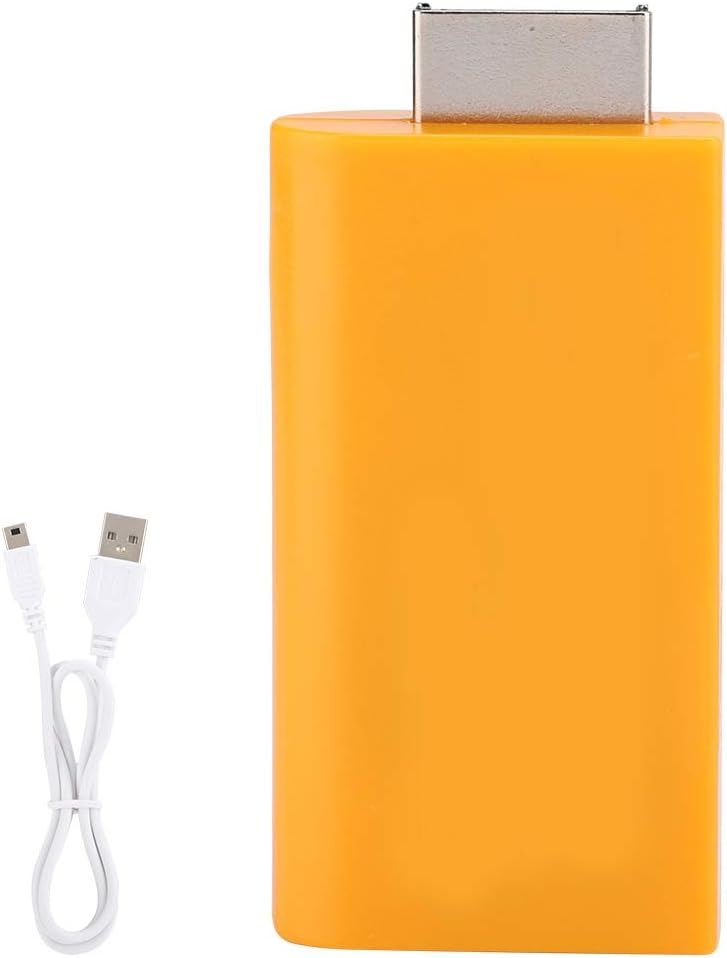
This PS to HDMI Converter offers a cost-effective solution for retro gamers looking to connect their classic systems to modern HDMI displays.
We may earn a commission when you buy through this link, at no additional cost to you.
It uses S-Video signals to provide a cleaner conversion path compared to standard composite methods and includes necessary cables for immediate setup.
While the power adapter is not included the micro USB cable allows you to plug into any USB port making it convenient for home use.
Budget-conscious buyers can enjoy classic titles without sacrificing connectivity thanks to its straightforward plug-and-play design.
Using the console's S-Video signal results in a cleaner path than composite video for better image fidelity.
The included 1.5m HDMI and Micro USB cables mean you can start gaming right out of the box.
We may earn a commission when you buy through this link, at no additional cost to you.
The Kaico PS1 HDMI adapter delivers premium performance with a built-in switch for RGB and Component modes ensuring optimal image output for your setup.
We may earn a commission when you buy through this link, at no additional cost to you.
Its design supports all PlayStation output resolutions and provides a component-quality display which is ideal for gamers seeking enhanced visual fidelity.
The durable construction and comprehensive support policy add long-term value making it a reliable choice for dedicated retro gaming enthusiasts.
If you are willing to invest in quality this adapter offers a robust solution for connecting your console to any HD TV with ease.
The built-in switch lets you toggle between RGB and Component modes to match your console's capabilities.
With a 12-month support warranty you get peace of mind knowing help is available if needed.
We may earn a commission when you buy through this link, at no additional cost to you.
This HDMI Cable offers a portable and flexible way to connect your PS1 to modern TVs using True RGB signal for enhanced clarity.
We may earn a commission when you buy through this link, at no additional cost to you.
It requires no driver installation and is designed for plug-and-play use making it convenient for gamers who travel or switch setups often.
While it focuses on video signal transfer without improving quality its lightweight design allows for easy storage and quick connections.
Users seeking a straightforward and budget-friendly adapter will appreciate its simplicity and compatibility with PlayStation consoles.
The adapter uses True RGB signal to maintain the original color information from the console.
No need to install drivers means you can start gaming immediately after connecting the cables.
We may earn a commission when you buy through this link, at no additional cost to you.
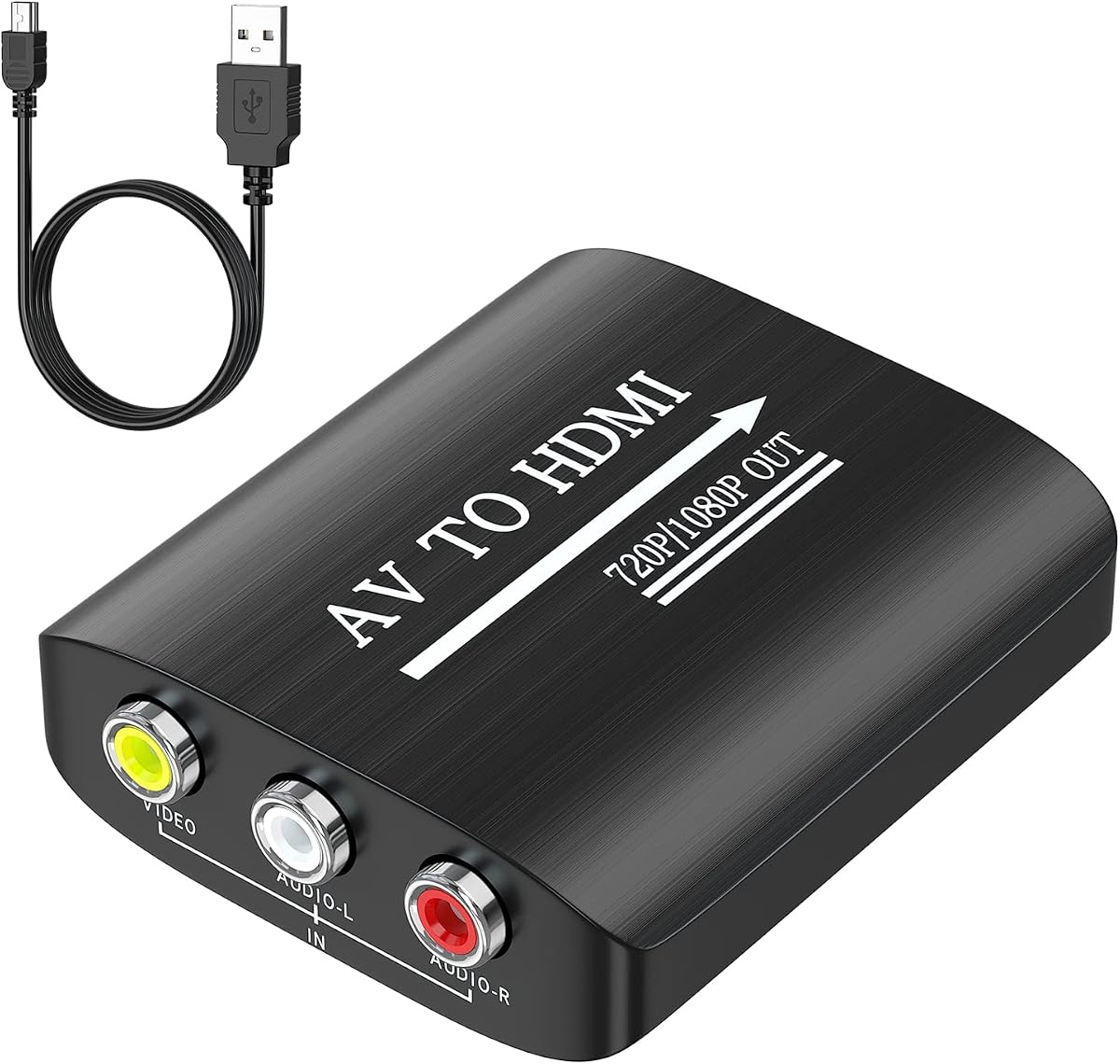
The GINGIN AV to HDMI Converter is a versatile option that works with a wide range of retro consoles including PS1 and PS2.
We may earn a commission when you buy through this link, at no additional cost to you.
It converts analog composite inputs to HDMI 720p or 1080p allowing you to play older games on modern smart TVs or projectors.
While it does not enhance video quality the plug-and-play setup and included USB power cable make it easy to use.
Gamers with multiple consoles will find this adapter useful for its broad compatibility and simple operation.
This adapter works with many devices such as PS1, PS2, Xbox, and DVD players.
No extra drivers are needed so you can set it up in minutes.
We may earn a commission when you buy through this link, at no additional cost to you.
This Tengchi RCA to HDMI Converter provides a simple way to connect your PS1 to HD displays using standard RCA inputs.
We may earn a commission when you buy through this link, at no additional cost to you.
It supports 1080p output and multiple TV formats ensuring compatibility with different regions and display types.
The package includes necessary cables and the one-year warranty adds confidence to the purchase for long-term use.
Users looking for a reliable and straightforward converter will find this adapter meets their needs well.
The converter supports up to 1080p output for clear visuals on modern TVs.
A one-year warranty provides assurance that you can contact support if issues arise.
We may earn a commission when you buy through this link, at no additional cost to you.
The BITFUNX adapter supports PS1, PS2, and PS One consoles making it a solid choice for households with multiple retro systems.
We may earn a commission when you buy through this link, at no additional cost to you.
It converts analog signals to 1080P HDMI with zero transmission loss and includes a switch for RGB and Component modes.
The advanced signal processing ensures good color and resolution though users must set the correct mode for their console.
Console owners who want one adapter for several systems will appreciate its versatility and digital output.
This adapter works with PS1, PS2 Fat, and PS2 Slim consoles.
Zero transmission loss means the signal remains intact from console to display.
We may earn a commission when you buy through this link, at no additional cost to you.
The CAMWAY converter is designed for simplicity with a true plug-and-play experience that requires no manual video settings.
We may earn a commission when you buy through this link, at no additional cost to you.
It supports 1080P 60Hz signals and includes an aspect ratio button to switch between 4:3 and 16:9 modes easily.
The compact and lightweight design makes it ideal for family entertainment or taking along for gaming events.
Users who want a hassle-free adapter will find this model easy to set up and use right away.
No need to change console settings lets you start playing immediately after plugging in.
The small size makes it easy to store or carry with your console.
We may earn a commission when you buy through this link, at no additional cost to you.
This PS1 PS2 to HDMI Converter features an anti interference design with tin plated connectors to maintain signal clarity during play.
We may earn a commission when you buy through this link, at no additional cost to you.
The internal copper wires are tinned to resist oxidation and the compact size makes it easy to store or carry.
Its durable construction ensures long-term use and the plug-and-play setup means no driver installation is required.
Gamers seeking a reliable adapter with sturdy build quality will find this option well-suited to their needs.
The anti interference interface helps keep the video and audio signals clear.
Tinned copper wires and tin plated connectors resist wear over time.
We may earn a commission when you buy through this link, at no additional cost to you.
The Y.D.F adapter offers flexible setup options with a screen aspect ratio switch and RGB signal display for clear visuals.
We may earn a commission when you buy through this link, at no additional cost to you.
It supports PS1, PS2, and PS3 consoles making it versatile for different generations of PlayStation systems.
The portable and flexible design allows for easy movement and the plug-and-play nature means no drivers are needed.
Users who want an adaptable solution for multiple consoles will find this model straightforward and effective.
Works with PS1 PS2 and PS3 consoles for broad compatibility across generations.
The design is easy to move around and fits into various gaming setups.
We may earn a commission when you buy through this link, at no additional cost to you.
Selecting the right HDMI adapter requires understanding signal types, compatibility, and additional features that affect performance.
Most PS1 adapters use composite or S-Video signals so check that the converter supports your console's output method.
Choosing a model that supports RGB or Component signals can provide better image quality if your console is modified.
Adapters that support 1080p output are ideal for modern TVs but remember they do not upscale the original game resolution.
Look for devices that maintain 60Hz refresh rates to ensure smooth gameplay without stuttering or lag.
Many games were designed for 4:3 screens so an adapter with a switch to 4:3 or 16:9 offers flexibility.
This feature helps preserve the original look of classic games while allowing widescreen display if desired.
Most converters require external USB power so ensure you have a USB port or adapter available.
Check if the package includes the power cable since some do not and you may need to purchase it separately.
Some adapters come with HDMI cables which can save you the cost and hassle of buying one separately.
Verify whether the product includes the cables you need before purchasing to avoid additional expenses.
A warranty of at least one year provides protection against defects and gives you peace of mind.
Reputable brands often offer better customer support which is useful if you encounter setup or signal issues.
Durable connectors and shielded cables help prevent interference and ensure long-lasting performance.
Look for descriptions mentioning tin plated connectors or anti interference designs for better reliability.
Adapters that require no driver installation simplify setup and reduce potential technical problems.
Choosing a true plug-and-play model means you can connect and start gaming without complex configuration.
Connect the adapter to your PS1 using the AV Multi-Out port and plug the HDMI cable into your TV's HDMI input.
Power the adapter using the included USB cable by plugging it into a USB port on your TV or a wall adapter.
Turn on your console and select the correct HDMI input on your TV to see the game output clearly.
No most HDMI adapters simply convert the analog signal to digital HDMI without upscaling the resolution. The display quality depends on the original console signal and your TV settings.
Ensure you have connected all cables properly and powered the adapter via USB. Some models require specific video output settings or region compatibility.
Yes most PS1 HDMI adapters are compatible with PS2 consoles as well since they share similar AV output methods.
No most adapters are designed to be plug-and-play and do not require any additional driver installation.
Most adapters require a 5V USB power source which you can get from a TV USB port or a standard USB wall adapter.
Blurry images may result from using composite signals instead of RGB or mismatched aspect ratio settings. Check your console output and adapter settings.
Yes these adapters are designed to connect classic consoles to modern HDMI TVs monitors and projectors.
With proper care and quality connectors these adapters can last for years but avoid bending the cables sharply to prevent damage.
The top picks offer reliable ways to connect your PS1 to modern displays with clear performance and ease of use.
Prioritize adapters that support your desired resolution and aspect ratio while ensuring they have stable power solutions.
Remember to check current prices and availability before purchasing since deals may change over time.