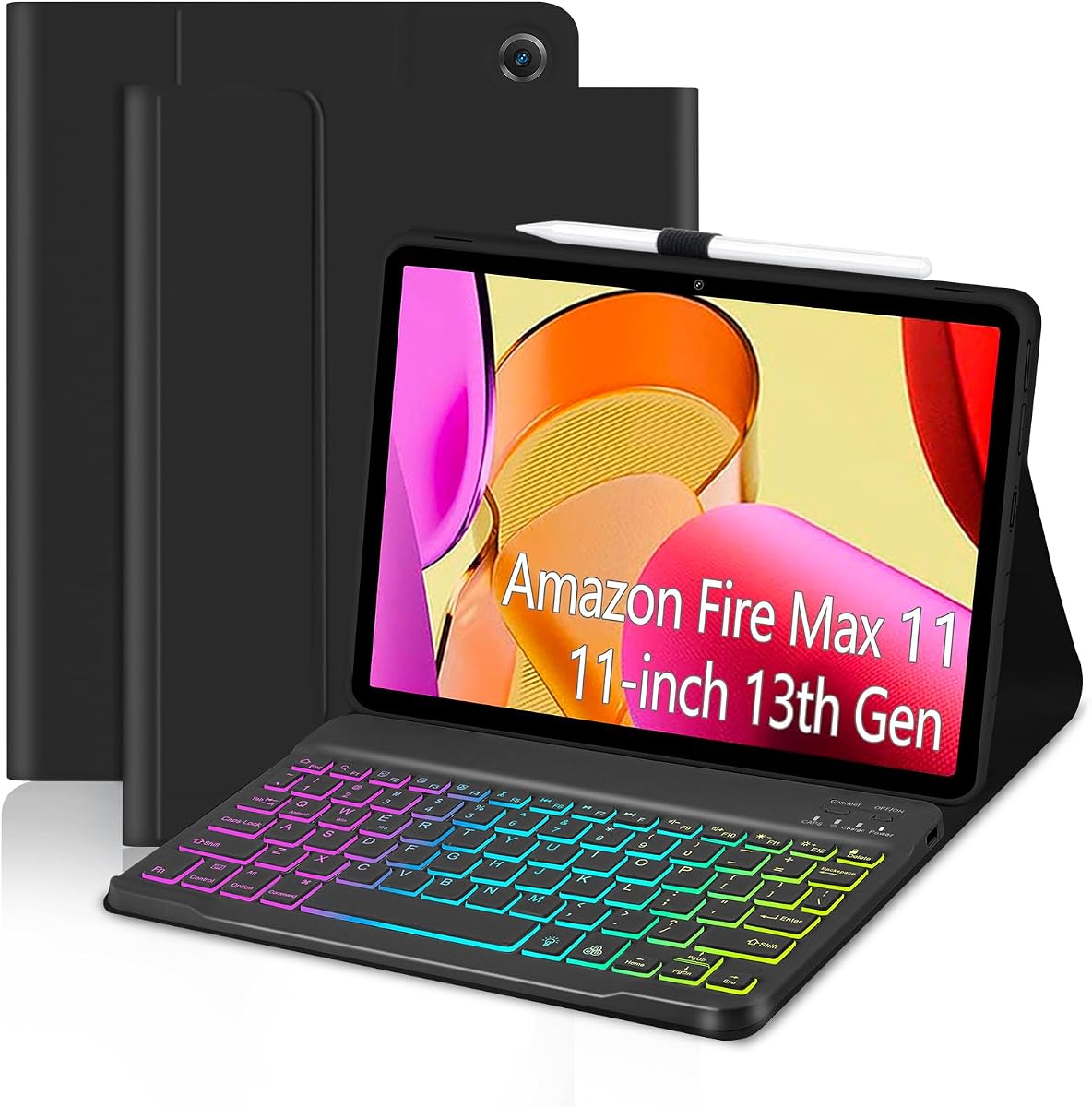
EAMPANG Case with Keyboard
4.5Editor score
Rainbow backlit keyboard
Magnetic detachable design
Honeycomb heat dissipation
This guide compares the best Keyboard Case for Fire Max 11 options available in October 2026, evaluating features, durability, and value for productivity users.
Finding the right Keyboard Case for Fire Max 11 can transform your tablet into a powerful workstation for work and creativity. With so many options on the market, choosing one that offers protection, comfort, and functionality is essential for maximizing your device's potential.
We have carefully reviewed ten top-rated keyboard cases designed specifically for the Amazon Fire Max 11. Each product was evaluated based on build quality, typing experience, battery life, and additional features like trackpads or backlighting to help you make an informed decision.
Each pick in this list highlights unique strengths and practical benefits for different user needs. Please note that prices and availability can change frequently, so checking the latest offers on Amazon is recommended before making your final purchase decision.
4.5Editor score

4.6Editor score

4.3Editor score
This side-by-side comparison highlights key specifications and features across all ten keyboard cases to help you quickly identify the best fit for your specific workflow and budget requirements.
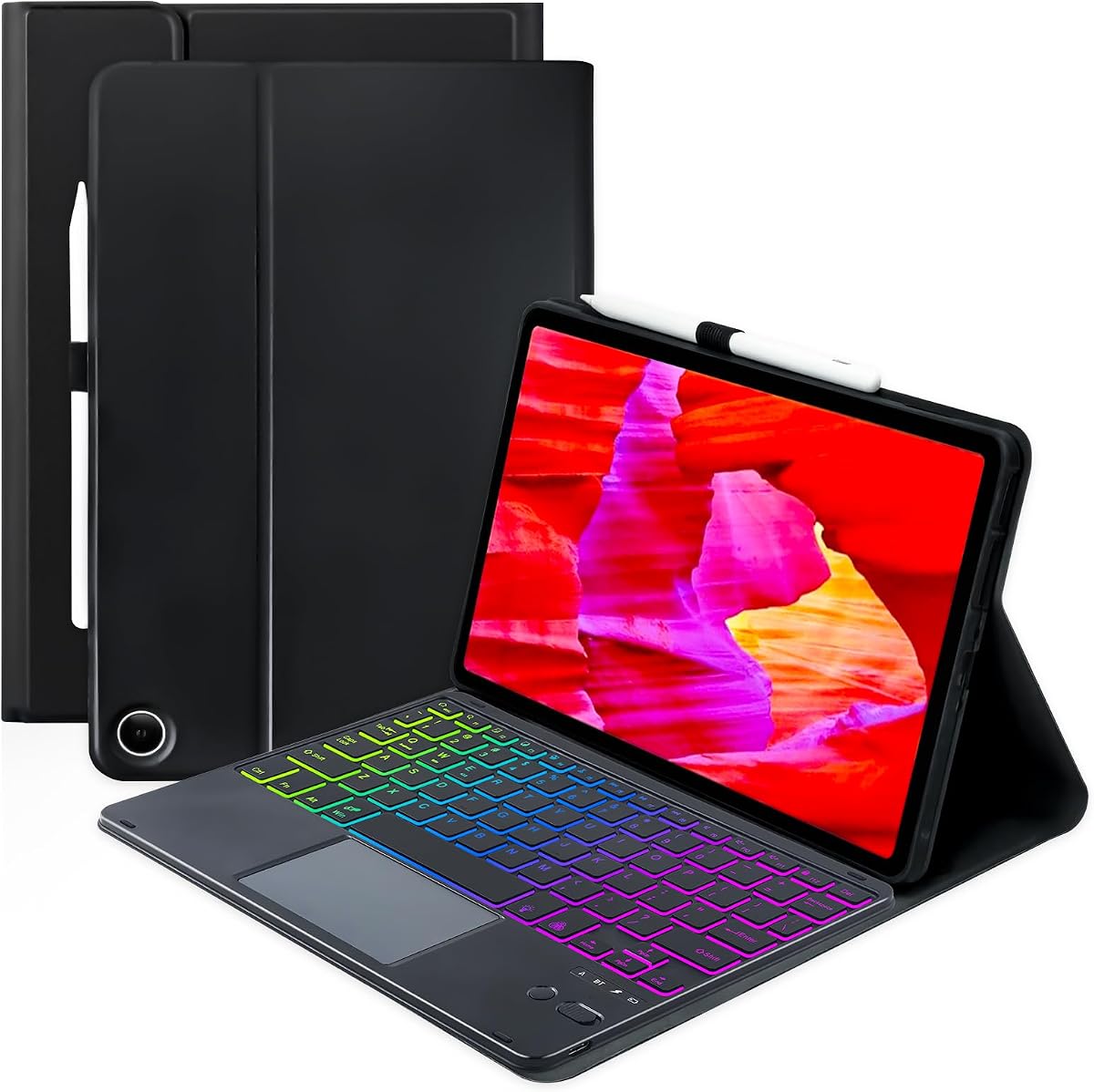


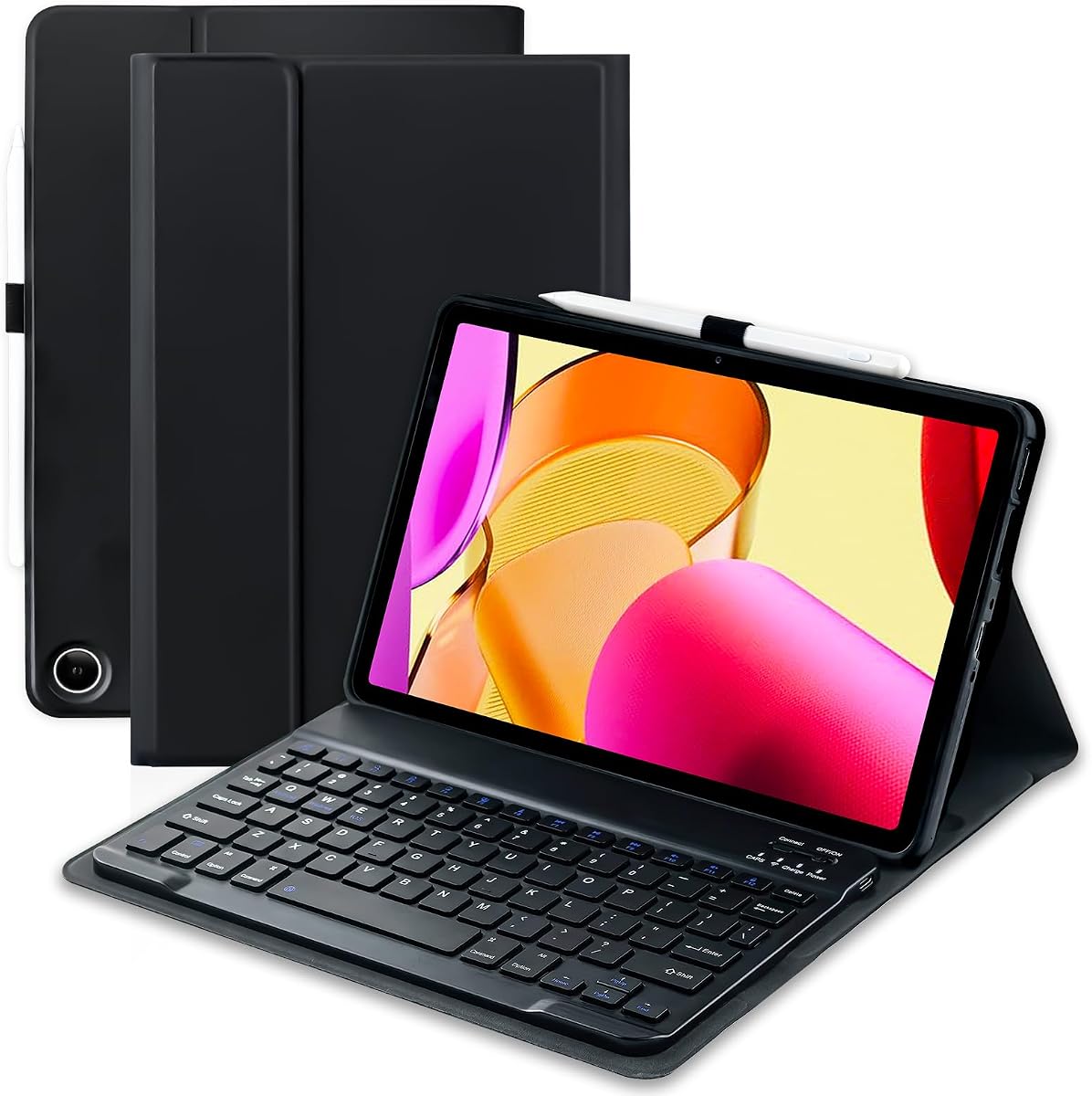


This keyboard case offers an affordable entry point for Fire Max 11 users seeking enhanced productivity. With a 4.5 rating, it stands out for its vibrant rainbow backlighting and solid protection features.
We may earn a commission when you buy through this link, at no additional cost to you.
The 7-color adjustable backlight ensures comfortable typing in low-light conditions. Its honeycomb inner shell aids heat dissipation, while the precise cutouts maintain full access to all tablet ports and buttons.
While it lacks a trackpad which limits navigation speed compared to models with one, the magnetic detachable design allows flexible positioning. The pen holder adds convenience for stylus users.
Ideal for budget-conscious buyers wanting style and function, this case delivers excellent value. It transforms your tablet into a typing-friendly device without breaking the bank.
The RGB rainbow backlight offers 7 adjustable colors and breathing modes to enhance visibility and style during night work.
Soft TPU inner shell with honeycomb design protects against drops and helps manage heat to maintain tablet performance.
We may earn a commission when you buy through this link, at no additional cost to you.
The MePadKey case adds a trackpad to your Fire Max 11 setup, significantly improving navigation without a mouse. It supports multi-finger gestures and features a rechargeable keyboard for convenience.
We may earn a commission when you buy through this link, at no additional cost to you.
With anti-slip grooves and multi-angle adjustment, the tablet stays stable in various positions. The rainbow backlight offers 7 colors for visibility in dark environments while maintaining style.
Although the trackpad functionality requires some familiarization compared to a traditional mouse, it streamlines document and web navigation. The detachable keyboard allows for flexible use cases.
This option suits users needing more precise control on their tablet. It balances productivity features with solid protection and a comfortable typing experience.
Multi-finger gestures support on the trackpad enable efficient scrolling and zooming, reducing the need for a separate mouse.
The rechargeable lithium battery eliminates frequent battery replacements and ensures uninterrupted work without cable management.
We may earn a commission when you buy through this link, at no additional cost to you.
TUNKARMOR delivers a complete workstation setup with both a magnetic detachable keyboard and a rechargeable Bluetooth mouse. This allows versatile use as a laptop or tablet stand with ease.
We may earn a commission when you buy through this link, at no additional cost to you.
The honeycomb grid inner layer protects against overheating and increases lifespan. Three viewing angles and anti-slip slots ensure comfortable positioning for writing, viewing, or drawing.
Auto sleep/wake functionality conserves battery when the lid is closed. While the price is higher, the included mouse adds significant value for productivity-focused users.
This premium choice is ideal for those needing a full computer-like experience. Its durable construction and thoughtful features make it a top contender for heavy use.
Including both keyboard and mouse in one case provides a comprehensive solution for efficient multitasking and document editing.
The honeycomb grid cushioning helps prevent overheating and extends your tablet's operational life significantly.
We may earn a commission when you buy through this link, at no additional cost to you.
Amazon's official keyboard case offers unmatched compatibility and quality for Fire Max 11 users. Its integrated trackpad and pogo pin connection mean no extra charging is required.
We may earn a commission when you buy through this link, at no additional cost to you.
With a 4.6 rating, it delivers consistent performance and responsiveness. The spacious key layout and shortcut keys enhance efficiency for documents and web browsing.
The use of post-consumer recycled plastics aligns with sustainability goals. While it comes at a higher cost, the reliability and seamless integration justify the investment.
This case is best for users prioritizing official support and hassle-free setup. It ensures your tablet feels like a refined laptop without compatibility worries.
The pogo pin connection powers the keyboard directly from the tablet, eliminating the need for separate batteries or charging.
Constructed with recycled plastics, this case supports environmental sustainability while maintaining durability and style.
We may earn a commission when you buy through this link, at no additional cost to you.
This case combines a magnetic detachable keyboard with a rechargeable Bluetooth mouse for versatile productivity. The 3-zone rainbow backlight offers a unique visual experience for typing in dark settings.
We may earn a commission when you buy through this link, at no additional cost to you.
The honeycomb heat dissipation design protects your tablet from overheating during long sessions. Three viewing angles and anti-slip slots help find the perfect position for any task.
Auto sleep/wake conserves battery when closed. While setup might take a few steps to pair Bluetooth, the added mouse significantly improves navigation speed and convenience.
A well-rounded option for users wanting mouse integration without a premium price. It offers solid protection and a comfortable typing experience for everyday tasks.
The 3-zone rainbow backlight allows customization of different keyboard sections for style and visibility.
Honeycomb grid patterns aid airflow to keep the tablet cooler and performance optimal during heavy usage.
We may earn a commission when you buy through this link, at no additional cost to you.
This lightweight case focuses on portability and long battery life with its 420mAh capacity. The 7-color backlight and magnetic attachment make it easy to use and stylish.
We may earn a commission when you buy through this link, at no additional cost to you.
Multiple viewing angles support comfortable typing or reading. The built-in stylus holder keeps your pen secure, preventing loss when on the go.
While it lacks a trackpad, the wireless keyboard connects quickly via Bluetooth. Its auto sleep/wake function ensures battery efficiency during periods of inactivity.
Ideal for travelers or casual users needing quick access to typing. The balance of protection and convenience makes it a reliable daily driver.
Up to 90 hours of use on a single charge means you can work for days without needing to recharge.
A dedicated pen holder ensures your stylus is always accessible for notes or creative tasks.
We may earn a commission when you buy through this link, at no additional cost to you.
Another listing for the official Amazon keyboard case, offering identical high-quality features and compatibility. It includes the trackpad and uses recycled materials for sustainability.
We may earn a commission when you buy through this link, at no additional cost to you.
The seamless setup and responsive trackpad make navigation intuitive. Its auto wake function and shortcut keys streamline productivity tasks efficiently.
As with the other official version, this model is priced higher but offers unmatched reliability. Users benefit from direct manufacturer support and design alignment.
Suitable for those who want assurance of compatibility and quality. It is a robust choice for professional or long-term use cases.
Adjustable pointer speed and gesture support on the trackpad enhance cursor control and app navigation.
Matching the tablet's design ensures a sleek look and perfect fit without gaps or wobble.
We may earn a commission when you buy through this link, at no additional cost to you.
This case emphasizes practical utility with a Type-C charging port for the keyboard and multiple anti-slip grooves for angle adjustment. The pen holder adds value for stylus users.
We may earn a commission when you buy through this link, at no additional cost to you.
Magnetic adsorption ensures the keyboard stays firmly in place while offering easy detachment. The multi-function keys allow quick access to common tasks like volume control.
Precise cutouts maintain full port access, and the honeycomb design aids heat dissipation. Though it lacks a trackpad, its straightforward design is efficient for basic typing.
A solid pick for users who prefer simplicity and affordability. It provides reliable protection and a functional typing setup without extra features.
USB Type-C charging offers fast recharge times and universal cable compatibility for convenience.
The top row shortcuts enable quick control over media and system settings without opening apps.
We may earn a commission when you buy through this link, at no additional cost to you.
This variant of the EAMPANG case offers a unique color combination while keeping the same functional design. The rainbow backlight and pen slot enhance usability and portability.
We may earn a commission when you buy through this link, at no additional cost to you.
The flexible TPU inner shell provides drop protection and scratch resistance. Full coverage ensures your tablet remains safe from daily wear and accidental bumps.
While the rating is lower, it offers similar benefits at a competitive price. The auto sleep/wake feature helps manage battery efficiently during usage breaks.
Suitable for users wanting aesthetic variety without compromising core protection. It remains a functional accessory for casual and professional tasks.
The unique color option adds personal style to your device while maintaining the same reliable features.
Edges and back are fully covered to prevent scratches and protect from accidental drops effectively.
We may earn a commission when you buy through this link, at no additional cost to you.
This case features a premium vegan leather exterior with a smart folio design for versatile use modes. It includes a pen holder and offers 100% satisfaction with warranty.
We may earn a commission when you buy through this link, at no additional cost to you.
Bluetooth connection is stable and keys are quiet for distraction-free typing. Auto sleep/wake helps conserve battery life when not in use.
Precise cutouts provide full access to all ports and sensors. Its magnetic detachable keyboard allows switching between reading and typing modes easily.
Ideal for users valuing premium materials and support. The combination of protection and style makes it a strong contender for everyday use.
Vegan leather provides a premium look and feel while ensuring durability and resistance to scratches.
A 12-month warranty and money-back guarantee offer peace of mind for buyers.
We may earn a commission when you buy through this link, at no additional cost to you.
Selecting the perfect keyboard case requires considering your workflow needs, budget, and desired features. This guide outlines the most critical factors to evaluate before purchasing.
Ensure the case is designed specifically for the Fire Max 11 13th Generation released in 2023. Many cases are not compatible with other Fire tablet models, so checking the exact model number prevents costly mistakes.
Always confirm compatibility in the product title before buying to avoid receiving a case that does not fit your tablet correctly.
Choose between detachable keyboards that offer flexibility and built-in options for a laptop-like experience. Detachable models can be stored separately when not in use for more versatility.
Consider if a wireless Bluetooth connection or magnetic connector best suits your usage scenario.
Some keyboard cases include integrated trackpads for mouse-free navigation which improves efficiency for browsing and document editing.
If you primarily use your tablet for typing only, a case without a trackpad may save money without sacrificing usability.
Check the keyboard battery capacity and charging method. Rechargeable batteries with Type-C ports are convenient and eliminate the need for disposable batteries.
Look for models that offer at least 50 hours of continuous use to minimize frequent charging interruptions.
Cases with hard shells and TPU inner linings provide 360-degree protection against scratches and drops. Honeycomb designs help with heat dissipation to maintain tablet performance.
Ensure the case covers all ports correctly without interfering with charging or audio ports.
If you often work in dim environments, consider cases with rainbow or LED backlighting. Adjustable brightness settings enhance comfort during nighttime typing.
Note that backlighting requires additional battery power so expect shorter battery life when the lights are on.
A built-in stylus holder is useful if you use a pen for notes or creative work. It ensures you never lose your stylus when on the go.
Verify the holder size fits your specific stylus model for a secure fit.
Prices vary based on added features like trackpads or mice. Determine your budget and prioritize features that directly impact your workflow efficiency.
Consider warranty offerings and return policies to protect your investment if issues arise.
Attach the tablet to the case by aligning it with the built-in slots or magnets. Ensure it sits firmly to prevent sliding during typing. Close the lid to enable sleep mode and conserve battery life.
Pair the keyboard via Bluetooth in your tablet settings if required. Charge the keyboard regularly using the provided Type-C cable to avoid interruptions. Avoid overcharging by disconnecting once full.
Clean the keyboard keys with a soft brush or compressed air to remove dust. Wipe the leather or TPU parts with a slightly damp cloth to remove dirt. Store in a dry place to maintain material quality.
No, keyboard cases designed for the Fire Max 11 13th Generation are specific to that model. Other Fire tablets have different dimensions and button placements, so compatibility is not guaranteed for different models.
It depends on the case. Some models use pogo pin power from the tablet and do not require separate charging. Others use Bluetooth and need independent charging via Type-C cable.
Most rechargeable keyboards offer between 50 to 90 hours of continuous use on a full charge. Battery life varies based on backlight usage and how frequently you type.
Yes, most keyboard cases allow you to detach the keyboard and use the case as a standalone protective cover or stand. This is useful for reading or watching videos.
No, styluses are typically sold separately. Most cases include a pen holder but do not come with a stylus itself.
Press the Fn plus light key combination to cycle through colors or brightness levels. Refer to the user manual for specific key sequences for your model.
Reconnect by turning on the keyboard and ensuring it is paired in Bluetooth settings. Auto wake/sleep features should reconnect automatically when you open the case.
Most keyboard cases offer scratch and drop protection but are not waterproof. Avoid exposure to liquids to prevent damage to the tablet and keyboard.
The best keyboard case depends on your specific needs whether it is budget affordability or premium features like trackpads. The EAMPANG offers great value while Amazon official case provides unmatched reliability.
Prioritize features that enhance your workflow, such as battery life or backlighting. Consider how much protection you need and if a pen holder is essential for your daily tasks.
Remember to verify current prices and availability before purchasing since deals can change frequently. Choosing the right case will turn your Fire Max 11 into a versatile productivity tool.