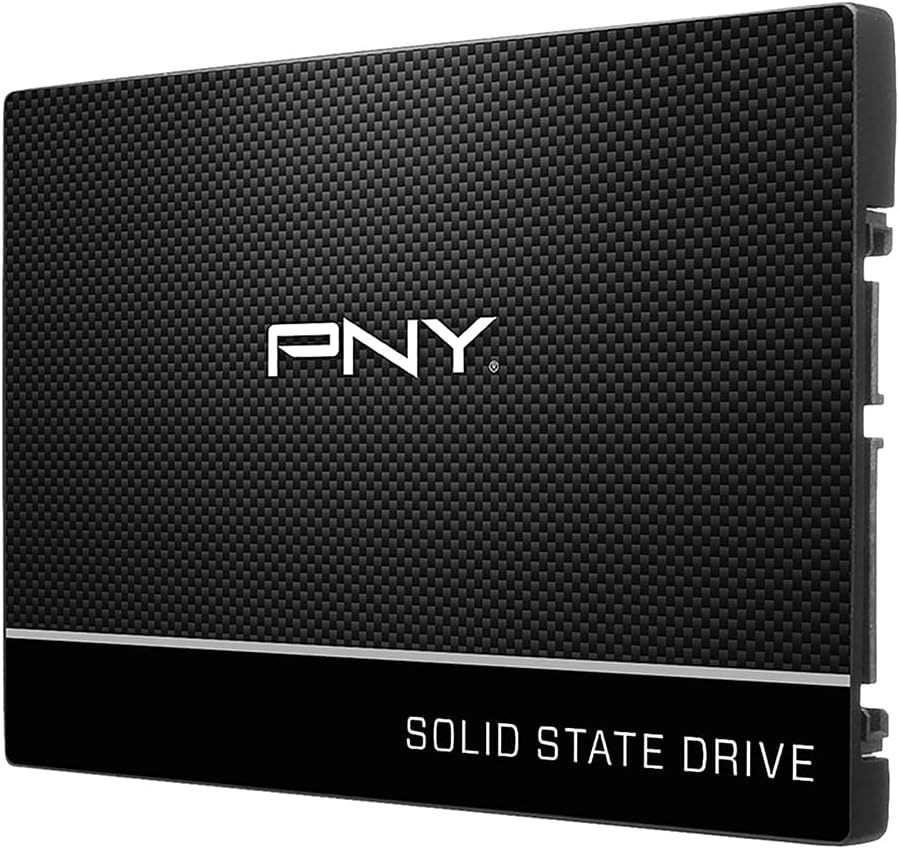
PNY CS900 500GB 2.5" SATA III Internal SSD
4.7Editor score
Up to 550MB/s sequential read speeds
Ultra-low power consumption
Backwards compatible with SATA II
Direct Attached Storage Devices for PC are essential for expanding your digital workspace. Whether you need massive capacity for media or rapid speeds for creative work, choosing the right solution ensures smooth performance.
We compared ten top products based on reliability, speed, and compatibility. Our analysis covers internal hard drives, external enclosures, and hybrid setups to help you find the perfect match for your system.
Each pick highlights key strengths and ideal use cases. Prices and availability change frequently, so verify current details before purchasing to ensure you get the best value for your specific storage requirements.
4.7Editor score

4.2Editor score
4.6Editor score
As an Amazon Associate we earn from qualifying purchases.
This table provides a side-by-side overview of the top Direct Attached Storage Devices for PC. It highlights key specifications and features to help you quickly identify the best option for your specific workload and budget.





The PNY CS900 is a highly rated internal SSD offering exceptional value. With a strong user rating, it delivers significant speed improvements over traditional HDDs for daily tasks and system boot.
We may earn a commission when you buy through this link, at no additional cost to you.
Its key strengths include sequential read and write speeds up to 550MB/s and 500MB/s respectively. This performance makes applications load faster and reduces system lag during everyday computing.
A trade-off is the 500GB storage limit which might not suit users needing massive file storage. However for this is acceptable for users prioritizing speed and affordability over bulk capacity.
This drive is ideal for anyone looking to upgrade an older laptop or desktop affordably. If you need fast system performance without spending heavily this SSD is a reliable choice.
Upgrading to this SSD dramatically reduces the time it takes to start your computer and open applications.
Its ultra-low power consumption helps extend battery life in laptops and reduces overall energy usage in desktops.
We may earn a commission when you buy through this link, at no additional cost to you.
The TERRAMASTER D4-320 stands out as a versatile DAS solution for expanding storage capacity. It supports up to four drives and offers plug-and-play simplicity across major operating systems.
We may earn a commission when you buy through this link, at no additional cost to you.
Its performance shines with USB 3.2 Gen2 speeds reaching up to 10Gbps allowing fast file transfers. The tool-free design and hot swap capability make maintenance easy without needing additional tools.
Note that it lacks RAID functions so drives act independently. This is acceptable for users prioritizing raw capacity and simplicity over redundancy or complex storage pools.
This enclosure is perfect for creators needing fast external storage for large video or photo projects. If you want expandable and efficient storage this enclosure delivers excellent value.
It is highly compatible with Mac Windows and Linux ensuring seamless integration with your existing setup.
An intelligent fan and sound-absorbing panels keep noise low and temperatures optimal during operation.
We may earn a commission when you buy through this link, at no additional cost to you.
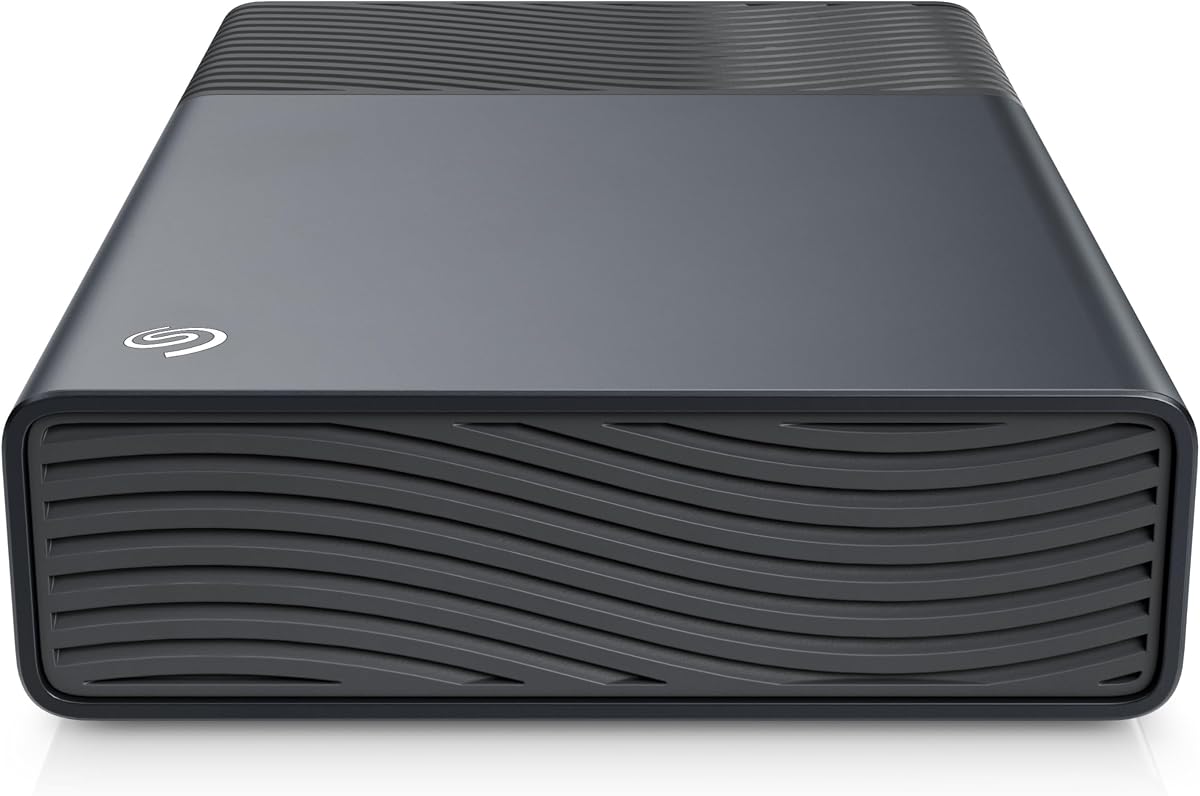
The Seagate 16TB One Touch Desktop Drive offers huge storage in a compact form. With high reliability and strong user ratings it is a top choice for backup and large file storage.
We may earn a commission when you buy through this link, at no additional cost to you.
It connects via USB-C and is bus-powered removing the need for wall outlets. The included Rescue Data Recovery Services add peace of mind protecting your critical files from unexpected failures.
The requirement for a 15 watt USB power output may be a constraint for some devices. However for most modern computers provide enough power making this a minor trade-off for convenience.
Buy this drive if you need reliable high-capacity storage for media or backups. Its ease of use and protection features make it ideal for professionals and creatives.
The bus-powered USB-C connection allows you to work freely without needing an additional wall outlet.
It comes with Rescue Data Recovery Services to help safeguard assignments projects and sensitive files.
We may earn a commission when you buy through this link, at no additional cost to you.
The Seagate BarraCuda 8TB drive provides massive internal storage for desktops. It is a proven solution for gamers and creators needing ample space for games and media files.
We may earn a commission when you buy through this link, at no additional cost to you.
It features a sustained transfer rate of 190MB/s which is standard for high-capacity HDDs. The drive supports many PC applications from music to video editing ensuring versatility.
Compared to SSDs it is slower but offers better price per gigabyte. This makes it acceptable for bulk storage where speed is less critical than capacity.
Choose this drive for desktop builds needing large internal storage. Its reliability and capacity make it a solid foundation for any PC setup.
It supports building a powerhouse gaming computer with plenty of room for multiple large game installations.
Backed by twenty years of innovation it offers confidence for daily computing and media storage tasks.
We may earn a commission when you buy through this link, at no additional cost to you.
The QNAP TR-004 serves as a direct attached storage device for expanding or backing up NAS systems. It offers hardware RAID support adding flexibility for data protection.
We may earn a commission when you buy through this link, at no additional cost to you.
It connects via USB Type-C and supports RAID modes like 0 1 and 5. This allows users to configure redundancy or speed based on their specific needs.
Note that it cannot run NAS applications and files may not be recognized when moved. This is acceptable for users using it purely as an external storage pool.
Buy this if you need expandable storage for a QNAP NAS or external backups. Its hardware RAID options provide robust solutions for data security.
Support for RAID 0 1 5 and JBOD allows customization of performance and redundancy levels.
It is direct attached via USB Type-C for Windows macOS and Linux ensuring broad system support.
We may earn a commission when you buy through this link, at no additional cost to you.
The Samsung SSD 870 EVO is a top-rated internal SSD delivering professional performance. With exceptional speed and reliability it handles heavy workloads efficiently on any system.
We may earn a commission when you buy through this link, at no additional cost to you.
It offers sequential speeds up to 560MB/s maximizing the SATA interface limit. It also features up to 600 TBW endurance ensuring long term durability under demanding conditions.
While slower than NVMe drives it is more affordable and widely compatible. This trade-off is acceptable for systems using standard SATA interfaces where cost and reliability matter.
Select this drive for upgrading laptops or desktops needing fast storage. Its robust build and software tools make it a standout choice for any PC.
It accelerates write speeds and maintains high performance with a larger variable buffer for demanding tasks.
Samsung Magician software helps manage your drive monitor health and apply updates effortlessly.
We may earn a commission when you buy through this link, at no additional cost to you.
The Seagate IronWolf 12TB is a specialized internal drive for NAS environments. It provides ultra-high capacity and reliability for multi-user setups requiring performance.
We may earn a commission when you buy through this link, at no additional cost to you.
Its features include up to 256MB cache and Health Management for monitoring drive status. These ensure less wear and tear and minimal noise during operation.
It is built for NAS rather than general desktops so it may cost more. This is acceptable for users needing robust storage for business or personal NAS systems.
Use this drive for NAS enclosures up to 8 bays. Its reliability and performance ensure smooth file sharing and long-term operation.
It delivers increased file-sharing performance and minimizes lags or down time in shared spaces.
IronWolf Health Management allows you to monitor drive health and enjoy long-term reliability with ease.
We may earn a commission when you buy through this link, at no additional cost to you.
The Western Digital WD Blue 12TB drive offers reliable storage for everyday computing. It delivers solid performance and quality for general desktop storage needs.
We may earn a commission when you buy through this link, at no additional cost to you.
It runs at 7200 RPM with a 512 MB cache for efficient data access. Free Acronis True Image WD Edition cloning software simplifies drive upgrades significantly.
While not specialized for heavy workloads it handles daily tasks well. This trade-off is acceptable for users wanting large affordable storage for files.
Choose this drive for general PC storage expansion. Its reliability and included software make it a practical choice for most users.
Free Acronis True Image WD Edition software allows easy drive cloning during upgrades.
Capacities up to 12TB provide ample space for large media libraries and backups.
We may earn a commission when you buy through this link, at no additional cost to you.
The Western Digital WD Red Pro 16TB is a high-capacity drive built for NAS systems. It handles intense 24×7 multi-user environments with reliable performance.
We may earn a commission when you buy through this link, at no additional cost to you.
It features CMR technology and a workload rate of 550TB/year ensuring durability under heavy use. Its design supports high-intensity RAID-optimized NAS systems effectively.
Its rating is slightly lower than other options likely due to workload variations. This is acceptable for users needing massive capacity in a professional NAS setup.
Buy this for enterprise-grade NAS storage. Its workload ratings and compatibility with NAS vendors ensure robust performance.
Designed to handle demands of high-intensity 24×7 multi-user NAS environments.
Rated for 550TB/year workload rate ensuring endurance under continuous usage.
We may earn a commission when you buy through this link, at no additional cost to you.
The TERRAMASTER D8 Hybrid enclosure supports both HDDs and NVMe SSDs simultaneously. It offers massive capacity options combined with high-speed access for hot data.
We may earn a commission when you buy through this link, at no additional cost to you.
It features USB 3.2 Gen2 allowing 10Gbps transmission and tool-free installation. Users can tailor storage with HDDs for cold data and SSDs for hot data.
Managing two drive types requires careful planning but offers optimization benefits. This is acceptable for users wanting flexible and efficient external storage.
Choose this if you need hybrid storage with high-speed and high-capacity layers. It balances performance and capacity effectively for advanced users.
Store hot data on SSDs for swift access and cold data on HDDs for efficiency.
Provides up to 152TB total capacity combining massive HDD space with NVMe performance.
We may earn a commission when you buy through this link, at no additional cost to you.
Choosing the right Direct Attached Storage Devices for PC requires understanding your capacity speed and interface needs. This guide outlines key factors to consider.
Storage capacity determines how much data you can hold. For backups and media choose 12TB or higher. For OS and apps 500GB to 1TB SSDs are sufficient.
Assess your current file usage and plan for growth to select the right size.
Decide between HDDs and SSDs based on speed and cost. HDDs offer bulk capacity at lower costs. SSDs provide faster speeds for operating systems.
Use SSDs for performance critical tasks and HDDs for large file storage.
Interfaces like SATA USB 3.2 and USB-C define data transfer rates. Faster interfaces improve file access and backup times significantly.
Choose the fastest interface supported by your computer for optimal performance.
Internal drives are 3.5 or 2.5 inches. External drives are portable or desktop size. Ensure your PC has available slots or ports.
Match the form factor to your case and connectivity options.
Durability matters for long-term use. Look for high MTBF ratings and warranty periods. NAS drives offer better reliability for 24×7 use.
Choose drives with strong warranties for peace of mind.
Software like RAID support or backup tools adds value. Some drives include migration or recovery services. Check compatibility with your OS.
Ensure included software supports your workflow and system.
Some external drives need wall outlets while others are bus-powered. Desktop drives require internal power cables. Check your power availability.
Select bus-powered options for portability without extra cables.
Budget impacts choices significantly. SSDs are more expensive per gigabyte. Balance performance needs with available funds for best value.
Prioritize your most critical storage needs when spending.
Install internal drives by connecting SATA data and power cables securely. Mount the drive properly to prevent vibration damage.
For external drives plug into a powered USB port and wait for detection. Use software tools to monitor health and schedule backups.
Handle drives carefully avoiding drops or extreme temperatures. Keep internal drives dust-free by using compressed air periodically.
Direct Attached Storage connects directly to a PC via USB or SATA. It is not shared over a network. It offers simple plug-and-play setup.
It depends on needs. Internal drives are faster and more integrated. External drives offer portability and easier access for backups.
Check your motherboard for available SATA ports or USB 3.0 or higher. Use system info to verify interface compatibility before buying.
New drives often come pre-formatted. But if used on another OS you may need to reformat for compatibility like NTFS or exFAT.
Yes you can use both. Install OS on SSD for speed and files on HDD for capacity. This setup optimizes performance and storage.
Most last 3 to 5 years. SSDs wear with write cycles. HDDs wear with mechanical use. Regular backups extend effective life.
We reviewed ten top Direct Attached Storage Devices for PC covering internal and external options. The TERRAMASTER D4-320 and Samsung SSD 870 EVO stand out for performance.
Prioritize speed for OS apps and capacity for media. Choose interfaces matching your system. Balance your needs against your budget carefully.
Prices change frequently so check current availability. Ensure your selection meets your data needs and compatibility requirements before purchasing.